
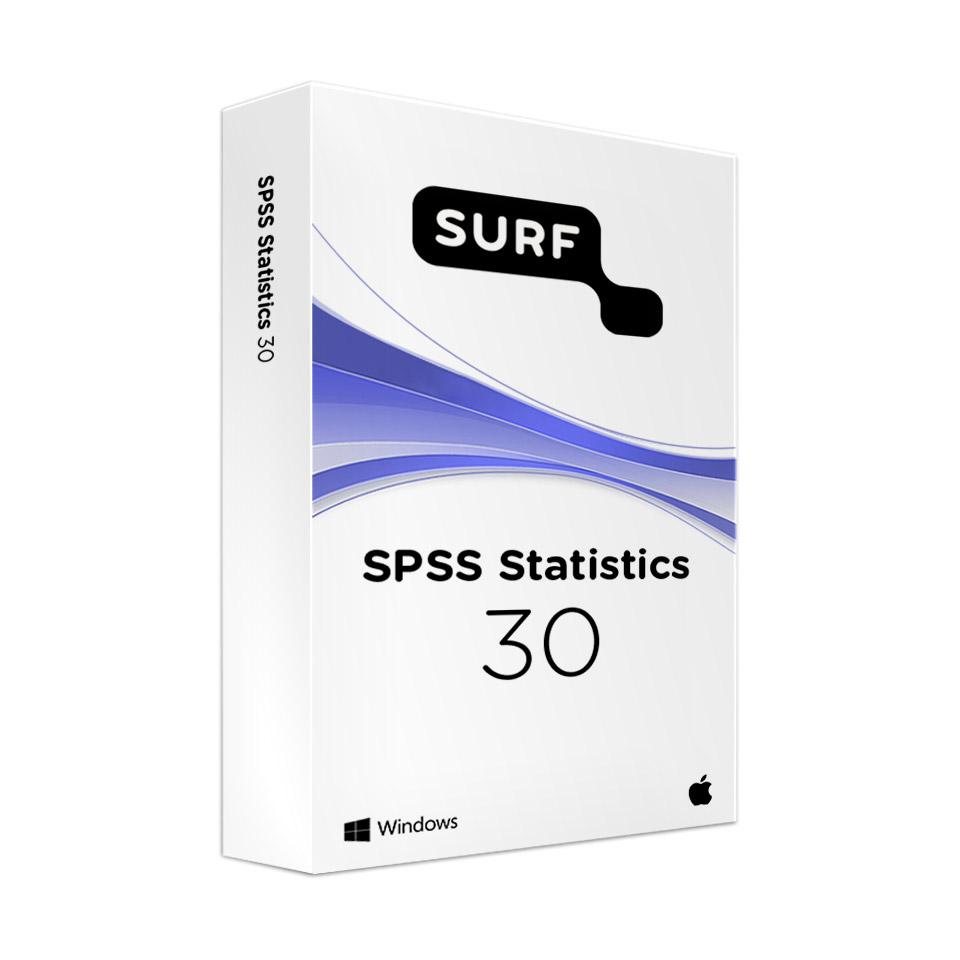
SURF Bundle SPSS Statistics 30 - Single-User License
In stock
Important information about this product:
- A critical security update is available for SPSS 30. We recommend that you install it. View the information about the security update.
- Before purchasing, check whether SPSS 30 is supported by your version of macOS or Windows. View the system requirements on the IBM website.
-
Description
-
More Information
-
Instructions
-
Systemrequirements
-
Manuals
-
Reviews
Description
Quick overview:
- Operating system: Windows/macOS
- Available for: Employee
- Type: Download
- License: 1 year
- Version: SPSS 30 Desktop
SPSS Statistics 30 offers a comprehensive suite of statistical analysis tools, ideal for educators. With this version, you can manage and analyze complex datasets, make reliable predictions, and visualize research results. This makes it an indispensable tool for academic research and data analysis within educational institutions. You can use SPSS 30 at home thanks to the special campus licenses available through SURFspot.
New in SPSS 30:
- Bland-Altman analysis for graphically evaluating agreement between two measurement methods.
- Comprehensive normality analysis with support for various tests, including Anderson-Darling and Shapiro-Wilk.
- Dark mode and improved text scaling options for 4K HD monitors.
- Faster startup times and improved search capabilities across multiple columns simultaneously.
Pros and cons:
✓ Support for advanced statistical analyses such as regression and normality tests.
✓ Dark mode and an improved user interface for greater ease of use.
✓ Faster startup time and improved efficiency when processing large datasets.
✘ The license code can be activated a maximum of 2 times.
More Information
| Media | Download |
|---|---|
| Brand | SPSS (IBM) |
| Bit version | 64-bit |
| Language | English |
| Available for: | Employee, Student |
| Special conditions |
|
| Terms of use |
Instructions
Important: Security Update for SPSS Statistics
Please note: A new version of the Interim Fix is available. Even if you have downloaded the previous Interim Fix, you must follow the steps again.
A security issue has been discovered in the software (Java) that SPSS uses to run. This applies to SPSS versions 27 through 31. IBM has made a security fix available for this: a so-called Interim Fix. It is important that you download and install this Interim Fix. To do so, follow the steps in the manual for Windowsor Mac.
How do I install SPSS 30?
- Go to www.surfspot.nl and click on 'My SURFspot' -> 'Orders'; the product will be available there.
- Click “Download” and install SPSS.
- Activate your license by entering your code in the License Authorization Wizard. You can find the code under “My SURFspot” → “Orders” under “Show license code”.
Note: Always follow the steps in the manual to ensure you complete the installation correctly.
Systemrequirements
Compatibility
Before purchasing SPSS 30, please check carefully to ensure that this version is supported by your version of macOS or Windows. Software cannot be returned.
For optimal performance, we recommend carefully checking the system requirements before installing the software. Please note that the software’s compatibility with operating systems may vary, and some versions may not be compatible with the latest operating systems. You can find the most recent system requirements and updates on the IBM website.
How do I know which version of Windows I’m using? You can find information about this on the following page:Which Windows operating system am I using?
How do I know which version of macOS I’m using? You can find information about this on the following page: Check which version of macOS your Mac is running - Apple Support
Hardware requirements
- 4 GB of available hard disk space.
- 1024×768 or higher screen resolution.
- 4 GB of RAM or more is required; 8 GB of RAM or more is recommended for 64-bit systems.
- IPv6 is supported but not required.
- 1.6 GHz or faster processor.
For more information, visit theIBM website.
Manuals

