
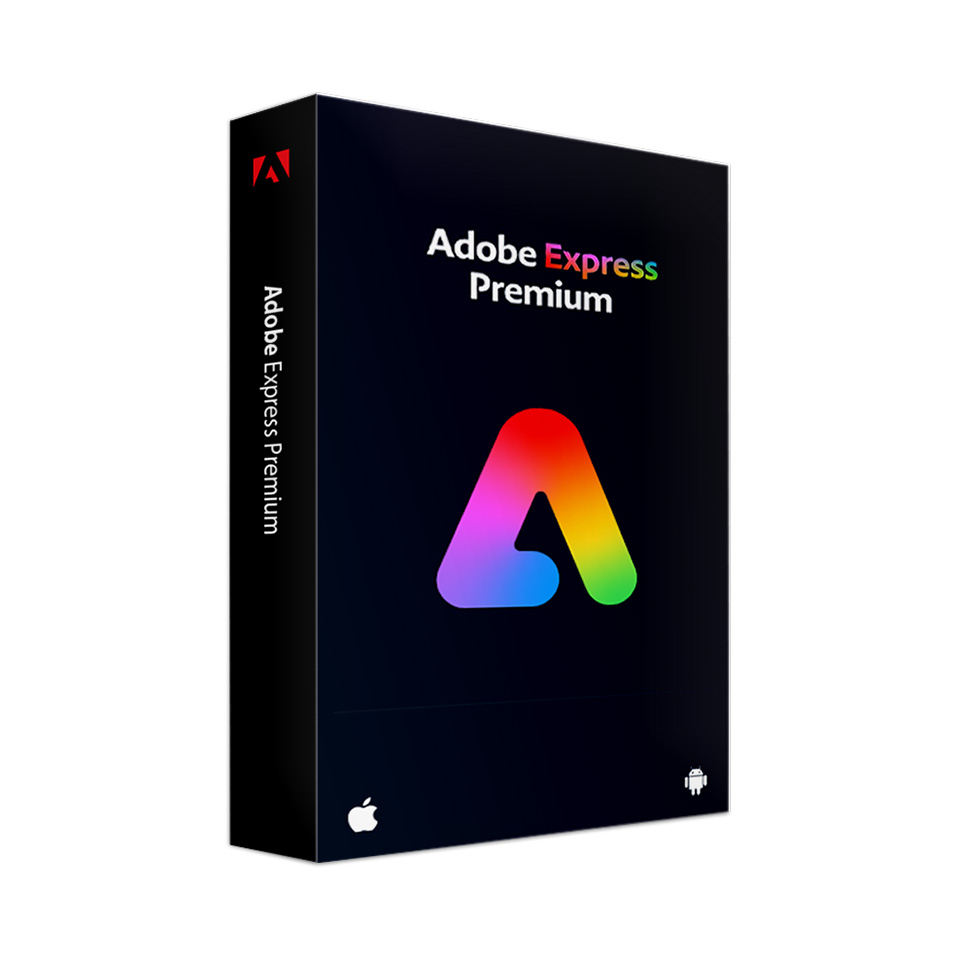
Adobe Express Premium
In stock
-
Description
-
More Information
-
Instructions
-
Systemrequirements
-
Manuals
-
Reviews
Description
Quick overview:
- Operating system: Windows/macOS/iOS/Android
- Available for: Employee/Student
- Type: Online
- License: 1 Year
Adobe Express Premium: effortlessly create professional-looking content
Adobe Express Premium is a versatile online creative platform that lets you quickly and easily create professional designs. Whether you need social media graphics, videos, posters, or digital presentations, Adobe Express helps you create visually stunning content with minimal effort.
User-friendly templates and tools
Take advantage of an extensive library of templates and design tools that help you quickly produce high-quality designs. These tools are accessible to users of all skill levels, making Adobe Express an ideal choice for both beginners and experienced designers.
Seamless collaboration and sharing
Collaborate with team members or easily share your projects online. Adobe Express Premium facilitates collaboration by making it easy to share projects and gather feedback, while preserving the integrity of your designs.
Please note: Beta versions of the apps are not included.
Pros and cons:
✓ Accessible to users of all skill levels.
✓ Extensive library of templates and tools for quick design.
✘ Requires a constant internet connection for access and use.
More Information
| Media | Online service |
|---|---|
| Brand | Adobe |
| Language | Multiple languages |
| Special conditions |
|
| Terms of use | |
| Available for: | Employee, Student |
| Cooling-off period | This product is available exclusively in digital format. When placing your order, we ask you to explicitly consent to immediate delivery. Once delivery has begun, your statutory right of withdrawal expires. You can no longer cancel the order after that (Article 6:230p of the Dutch Civil Code). |
Instructions
After you order Adobe Creative Cloud, you'll receive an email from Adobe at the email address you provided with the subject line "Get Started with All Apps." Click “Get Started” and sign in with the email address you used to receive the message. You’ll see your membership immediately in your Adobe account.
Please note:
- You will not receive a license code from Adobe.
- The membership is linked to the email address you provided when placing your order. If possible, always provide a personal email addressthat does not end with your institution’s domain.
- The license becomes active as soon as you place your order.
- The expiration date is the order date plus 1 year.
- Always follow the steps in the manual to ensure that you complete the installation correctly.
- You can install the apps by navigating to “Go to your apps and services.”
Systemrequirements
System requirements vary by Adobe product. Visit the Adobe page for the system requirements for each product.
Manuals

