
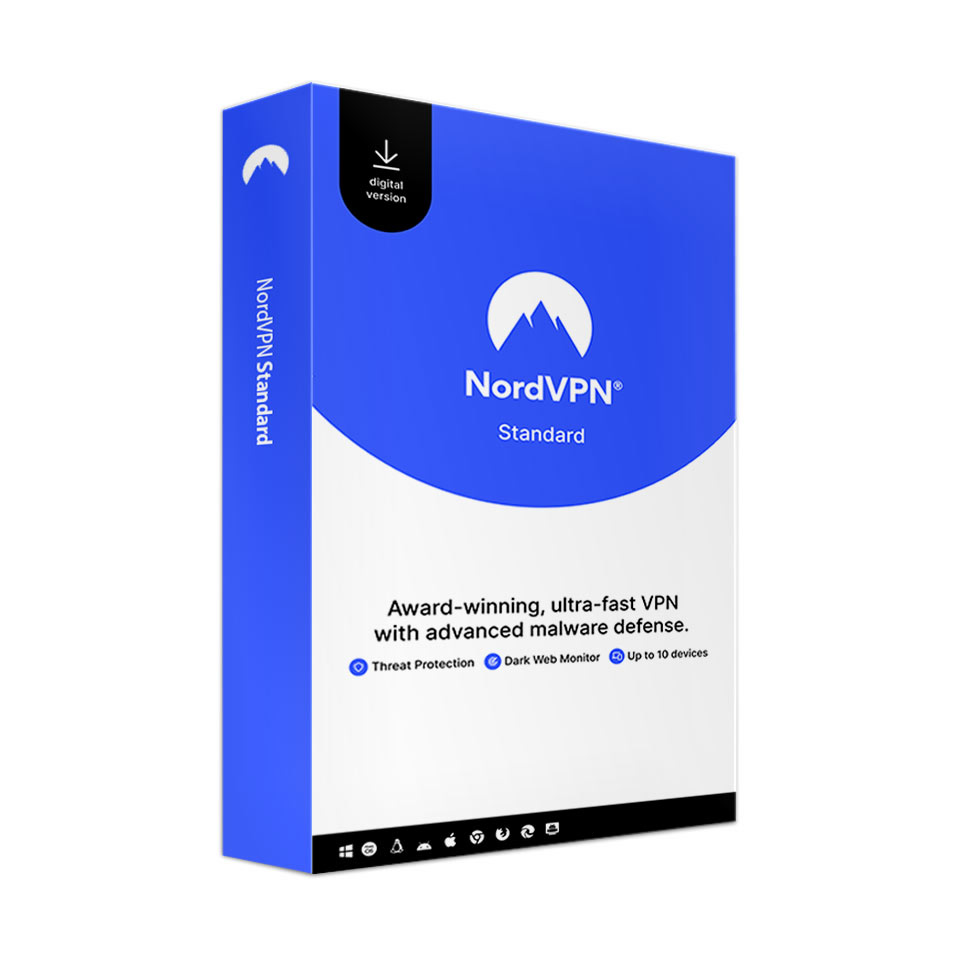
NordVPN Standard
In stock
Special Offer: Through September 30, 2026, at 4:00 p.m., get a limited-time 25% student discount on NordVPN Standard - 1-year subscription.
-
Description
-
More Information
-
Instructions
-
Systemrequirements
-
Reviews
Description
Quick overview:
- Operating system: Mac/Windows/iOS/Android/Linux
- Type: Download/Online
- Available for: Employee/Student
- License: 6 or 12 months
VPN stands for Virtual Private Network. It lets you browse the internet without being tracked. Your data is protected from cybercriminals. Ideal for keeping your banking information and online shopping secure. NordVPN secures your connection, even on public Wi-Fi and mobile data. You can also use NordVPN to browse the internet securely while traveling or working at your favorite café with a public network.
Minimizes Distractions
Browse the internet with fewer distractions. With NordVPN, you can avoid all the distractions caused by annoying ads on websites. The Threat Protection feature blocks intrusive ads the moment you open a website. A great solution if you get distracted easily.
Studying Abroad
Do you still want to use the VPN while you’re on vacation or studying abroad? You can with NordVPN, because they have more than 5,000 secure VPN servers in no fewer than 60 countries.
Trackers
Take back control of your privacy. By using NordVPN, you prevent anyone from tracking and exploiting your online activities. Whether it’s hackers, government agencies, or your internet service provider, no one needs to be watching. NordVPN gives you the privacy you deserve.
Stay Away from Dangerous Websites
With Threat Protection, you can prevent yourself from accidentally ending up on a dangerous website. Threat Protection maintains a list of websites known to host malware, trackers, spyware, or other malicious software. Threat Protection activates immediately the moment you unsuspectingly click on such a website.
History that stays hidden
If there’s one thing that should remain hidden from third parties, it’s your browser history. NordVPN protects your private data, online activities, and your browser history.
More Information
| Media | Download |
|---|---|
| Brand | NordVPN |
| Language | English |
| Special conditions |
|
| Available for: | Employee, Student |
| Cooling-off period | This product is available exclusively in digital format. When placing your order, we ask that you explicitly consent to immediate delivery. Once delivery has begun, your statutory right of withdrawal expires. You will no longer be able to cancel the order after that (Article 6:230p of the Dutch Civil Code). |
Instructions
To install NordVPN, follow the steps below:
- Order NordVPN on SURFspot. You will now receive an email at the address you provided from noreply@activate-here.com. Click the link in this email.
- Log in to this portal using the username and password you received via email.
- Click “Claim your code” to activate the code.
- Now click on “Install Products” and click the download link.
- Enter your email address and the password of your choice, then click “Create Account.”
- The download will start automatically. If it doesn’t, you can download NordVPN via www.nordvpn.com/download/.
For a smooth installation, you can also consult the manual.
Systemrequirements
Software Requirements
- Operating System Compatibility: Windows, macOS, iOS, Android, and Linux
- Windows: Windows 11, 10, 8.1, 7
- macOS: macOS Sierra 10.15 or later
- iOS: iOS 13.1 or later
- Android: Android 7.0 or later
- Linux: Debian- or RHEL-based
For more information, visit the NordVPN website.
