
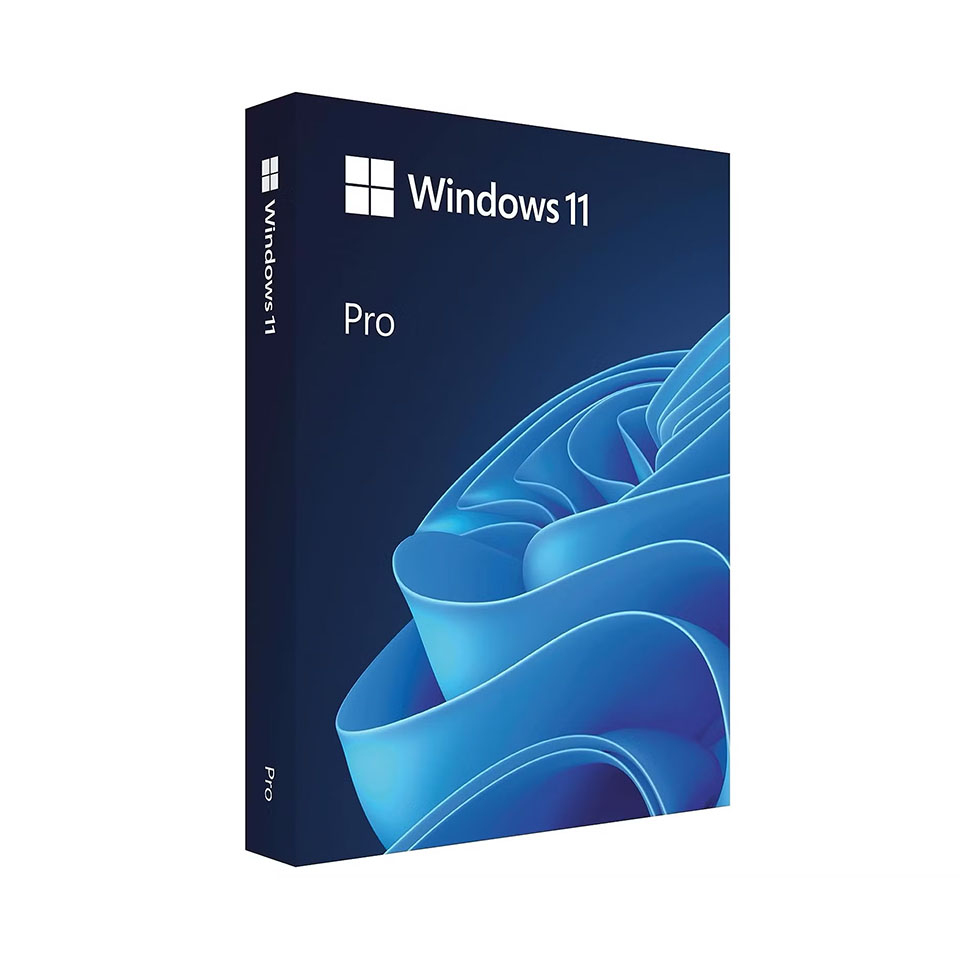
Microsoft Windows 11 Pro
In stock
-
Description
-
More Information
-
Instructions
-
Systemrequirements
-
Reviews
Description
Quick overview:
- Type: Download
- Available for: Students/Staff
- License: 1 user
Windows 11 Pro is ideal for students and staff who need a little more from their laptop or computer. In addition to all the features of Windows 11 Home, the Pro version offers extra capabilities for security, management, and collaboration—handy for study projects, research, and teaching.
With BitLocker, you can easily encrypt your files and your entire hard drive. This keeps research results, personal data, or school projects secure, even if you lose your device. Use Remote Desktop to log in remotely to your own laptop or computer from home, the library, or your workplace.
Easily manage your devices through group policies, so settings and security are automatically configured correctly—ideal for use in educational institutions. Thanks to integration with Azure Active Directory, you can easily log in to your school or work network and get immediate access to important apps and files.
In short: Windows 11 Pro offers extra control, better security, and handy features that make your studies or work just a little easier.
Pros and cons:
✓ Additional security options such as BitLocker and Device Encryption.
✓ Handy tools for remote work and device management.
✘ Less relevant if you only need basic features for personal use.
More Information
| Media | Download |
|---|---|
| Brand | Microsoft |
| Bit version | 64-bit |
| Language | Dutch |
| Special conditions | Licenses with a “one-time purchase” term do not have a fixed expiration date. You can continue to use the software as long as it functions properly and is supported by the vendor or your operating system. Unfortunately, once that support ends, we can no longer guarantee that the software will work. Microsoft account and internet connection required: An active internet connection and a Microsoft account are required during the initial installation of Windows 11 Pro. Without these, you will not be able to complete the installation. |
| Terms of use | https://products.office.com/nl-nl/microsoft-software-license-agreement |
| Available for: | Employee, Student |
| Cooling-off period | This product is available exclusively in digital format. When placing your order, we ask that you explicitly consent to immediate delivery. Once delivery has begun, your statutory right of withdrawal expires. You will no longer be able to cancel the order after that (Article 6:230p of the Dutch Civil Code). |
Instructions
- Order Windows 11 on SURFspot. You will now receive an email at the email address you provided from noreply@activate-here.com. Click the link in this email.
- Log in to this portal using the username and password you received via email.
- Click “Claim your code” to activate the code.
- Now click on “Install Products” and click the download link.
- Download the software
- Activate the license using the download link; you’ll find it in step 3.
Systemrequirements
PC
- Computer and processor: 1 gigahertz (GHz) or faster with at least 2 cores on a compatible 64-bit processor or System on a Chip (SoC)
Operating system: Windows 11 Pro - Memory: 4 GB RAM
- Hard drive: 64 GB or more of available storage
- Display: High-definition (720p) display with a diagonal measurement greater than 9 inches, with 8 bits per color channel
- Graphics card: Compatible with DirectX 12 or higher with a WDDM 2.0 driver
- Firmware: UEFI, with support for Secure Boot
- TPM: Trusted Platform Module (TPM) version 2.0
- Internet connection and Microsoft account: An internet connection and a Microsoft account are required for the initial installation of Windows 11 Pro
Mac
- Windows 11 Pro is not natively available for Mac computers. Additional system requirements apply for installation via virtual machines or Boot Camp (Intel Macs only).
For more information, see the official Microsoft specification page.
