
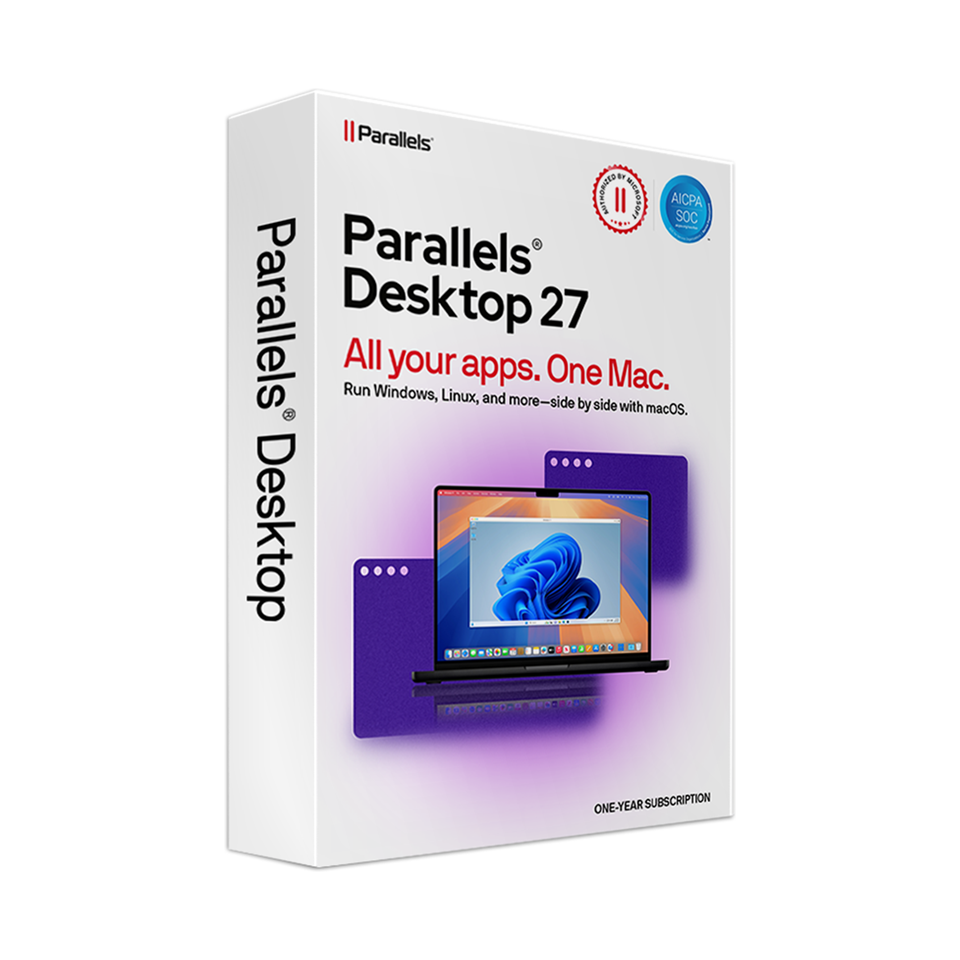
Parallels Desktop 27 for Mac
In stock

Special Offer: Through September 30, 2026, at 4:00 p.m., receive a limited-time 10% educational discount on Parallels Desktop 27 for Mac.
-
Description
-
More Information
-
Instructions
-
Systemrequirements
-
Manuals
-
Reviews
Parallels Desktop 27 lets you run Windows apps seamlessly on your Mac with Apple silicon, without having to restart. You can use Windows and macOS side by side and open Windows apps and files directly from your Mac. The Standard Edition is suitable for everyday use, such as Microsoft Office, educational software, business applications, and other programs available only for Windows. Parallels Desktop 27 offers full support for macOS 27 and is optimized for Apple silicon. Note: For Macs with Apple silicon only ✓ Seamlessly switch between Mac and Windows with Coherence Mode.
Description
Quick overview:
Parallels Desktop 27 is not compatible with Macs featuring an Intel processor. If you’re using an Intel Mac, you can continue to use Parallels Desktop 26. Additionally, Parallels Desktop does not include a Windows license. To activate Windows 11 Pro, you’ll need a separate Windows 11 Pro license.Pros and cons:
✓ Full support for macOS 27.
✓ Compatible with popular Windows apps, including Office and educational software.
✓ Regular updates.
✘ Not compatible with Macs equipped with an Intel processor.
✘ A Windows license is not included. To activate Windows 11 Pro, you’ll need a separate Windows 11 Pro license.
This product is available exclusively in digital format. When placing your order, we ask that you explicitly consent to immediate delivery. Once delivery has begun, your statutory right of withdrawal expires. You can no longer cancel the order after that (Article 6:230p of the Dutch Civil Code).
More Information
Media Brand Terms of use Available for: Cooling-off period
Instructions
Manuals

Parallels Desktop 27 works exclusively on Macs with Apple silicon, such as Macs with an M-series chip. Macs with an Intel processor are not supported by this version. If you’re using an Intel Mac, you can continue to use Parallels Desktop 26. Parallels Desktop 27 supports the following versions of macOS: Are you using an older version of macOS? If so, the installer may install an earlier supported version of Parallels Desktop. As a result, support for guest operating systems may be limited. On Macs with Apple silicon, Parallels Desktop 27 supports only ARM versions of guest operating systems. For Windows, Windows 11 Pro and Windows 11 Enterprise are recommended. Parallels Desktop does not include a Windows license. To activate Windows 11 Pro, you’ll need a separate Windows 11 Pro license. Before purchasing Parallels, please verify that this version is supported by your Mac and macOS version, and that the Windows applications you wish to use are compatible with Windows 11 for Arm. Software licenses cannot be returned after delivery and activation. How do I know which version of macOS I’m using? You can find this information on the following page: Check which version of macOS your Mac is using - Apple Support For optimal performance of the software, we recommend carefully checking the system requirements before installing it. Please note that the software’s compatibility with operating systems and Windows applications may vary. You can find the most recent system requirements and updates on the Parallels website. For more information, visit the Parallels website..
Systemrequirements
Compatibility
Recommendation
Hardware Requirements
