
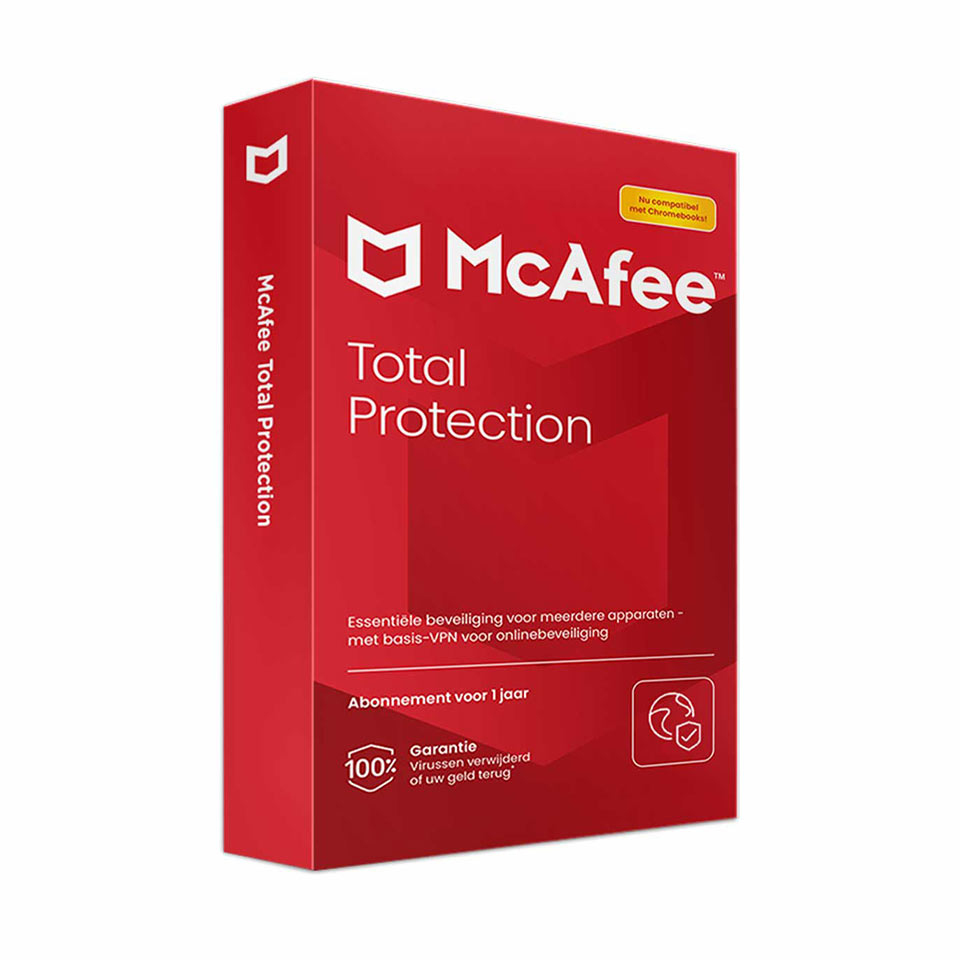
McAfee Total Protection
In stock
Promotion: Through September 30, 2026, at 4:00 p.m., receive a limited-time educational discount of up to 30% on select versions of McAfee Total Protection.
-
Description
-
More Information
-
Instructions
-
Systemrequirements
-
Manuals
-
Reviews
Description
Quick overview:
- Operating system: macOS/Windows
- Type: Download
- Available for: Employee/Student
- License: After logging in, choose the number of devices and license term.
McAfee Total Protection is antivirus and internet security software that offers all-in-one online protection so you can stay safe online. With this user-friendly solution, you can protect your privacy and identity, no matter where you are. The antivirus software provides comprehensive protection for your devices, including PCs, Macs, smartphones, and tablets. McAfee Total Protection protects you against malware, viruses, ransomware, and other threats so you can browse, shop, and bank with peace of mind. Thanks to real-time protection and automatic updates, your protection is always up to date. McAfee Total Protection also offers handy tools such as a password manager and parental controls, giving you control over your digital security. Keep scam text messages and risky QR codes at bay, right from the mobile app, to prevent you from becoming a victim of financial fraud. With scam protection, McAfee identifies scam text messages before you click on them and flags risky QR codes when you scan them.
- Antivirus software that protects you against the latest threats.
- With the secure VPN, you can browse worry-free and privately.
- Get insight into how secure your online environment is.
- View your personal security score and identity vulnerabilities.
- Receive warnings about risky websites before you click, so you can bank, shop online, and browse the web more safely.
- Protect your identity with dark web monitoring for 10 email addresses.
- Secure your accounts with password management. This lets you generate and store complex passwords.
Pros and cons:
✓ Real-time protection against malware, viruses, and ransomware.
✓ Automatic updates keep your protection up to date.
✓ User-friendly interface for easy navigation.
✘ You may notice some system slowdown during scans and updates.
More Information
| Media | Download |
|---|---|
| Brand | McAfee |
| Bit version | 32-bit and 64-bit |
| Language | Dutch & English |
| Special conditions |
|
| Terms of use | |
| Available for: | Employee, Student |
| Cooling-off period | This product is available exclusively in digital format. When placing your order, we ask that you explicitly consent to immediate delivery. Once delivery has begun, your statutory right of withdrawal expires. You can no longer cancel the order after that (Article 6:230p of the Dutch Civil Code). |
Instructions
When you activate this product, your McAfee license will automatically renew upon expiration. Do you want to prevent this? If so, select “Continue without additional benefits” and do not enter any information. Your license will then not be automatically renewed.
- Order McAfee on SURFspot. You will now receive an email at the email address you provided from noreply@activate-here.com. Click the link in this email.
- Log in to this portal using the username and password you received via email.
- Click “Claim your code” to activate the code.
- Now click “Install Products” and click the download link.
- Create an account with McAfee.
- Download the software.
For a smooth installation, follow the steps in our guide .
Systemrequirements
Operating System
- Microsoft Windows 11, 10, 8.1, fully patched (32-bit and 64-bit). Windows Enterprise not supported
- Build 4.11.1 or higher: macOS 10.15 and higher
- Build 4.9.1: macOS 10.12–10.14
- Google Android smartphones and tablets, version 8 or higher
- Apple iOS 13 or higher
- ChromeOS 102.0.5005 and higher
Supported browsers
- Firefox
- Google Chrome
- Safari (macOS and iOS only)
- Microsoft Edge (based on Chromium)
Hardware
- 2 GB RAM
- 1.3 GB free disk space
- 1 GHz processor. Architecture for Windows: x64, x86. Architecture for Mac: x64, x86, ARM64 (Rosetta II required)
Internet connection required
- High-speed connection recommended
For more information, see the McAfee website.
Manuals

Customer Reviews
Ook bijzonder: als je het product verwijderd blijft er een "app" geïnstalleerd om je regelmatig ongevraagd van informatie over McAfee producten te voorzien. Die moet je dan alsnog los verwijderen.
