
Amberscript
Please note: The 10-minute free transcription is a trial version available through the Amberscript website. This trial version can be ordered only once. If you have already tried the trial version on the Amberscript website, it is notpossible to use the trial version again via SURFspot.
-
Description
-
More Information
-
Instructions
-
Systemrequirements
-
Manuals
-
Reviews
Description
Quick Overview
- Operating System: Windows & macOS
- Available for: Employee/Student
- Type: Online
- License: 10 minutes (one-time free), 1 hour, 5 hours, 10 hours
Amberscript’s key features:
- Automatic transcription of audio and video
- Easily upload mp3, mp4, wav, m4a, m4v, mov, wma, aac, opus, flac, mpg, and mpeg files
- Edit the transcript using the editor
- Export to Word, Text, CSV, RTF, or JSON files
- Option: 10 minutes (one-time free), 1 hour, 5 hours and 10 hours (log in to select your desired transcription time)
What is Amberscript?
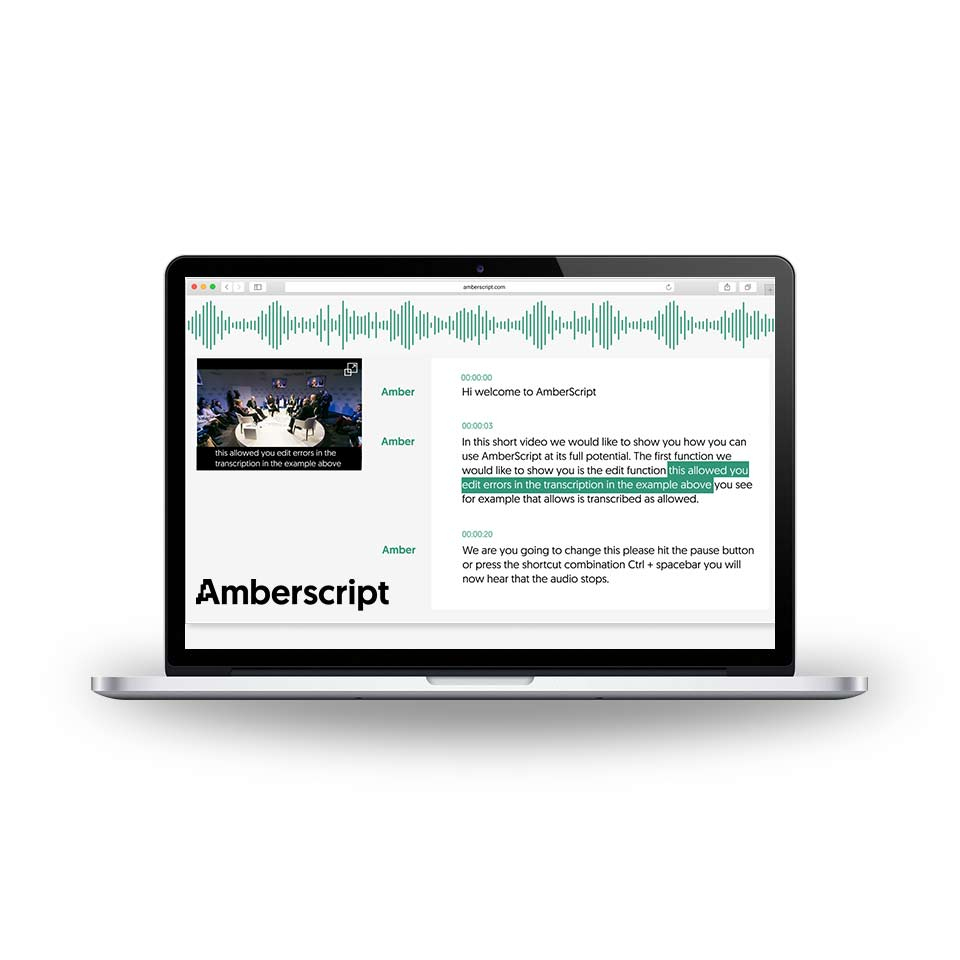
With Amberscript, you can easily transcribe audio and video files. It’s ideal if, for example, you need to transcribe interviews for a school assignment or research project. Amberscript is simple and user-friendly. Upload an audio or video file, and Amberscript automatically converts the spoken language into text. Depending on the size of the audio file, transcription takes between 10 and 40 minutes. You’ll receive an email notification when your transcript is ready. With the editor feature, you can easily search through, correct, edit, highlight sections of text, and export your transcript.
On average, Automatic Transcription is 88% accurate. The accuracy of your transcript is largely determined by the quality of your audio. Here are some helpful tips on how to ensure the quality of your audio.
Overview of features in the Amberscript educational version via SURFspot
- Instant draft texts
- Online text editor
- Advanced dashboard
- More than 80 languages available
- Maximum security and privacy. Data never leaves the EU
- Replace with Automatic speaker identification, which lets you see who is saying what. Speaker names can be customized
- Automatic timecodes for each speaker change
- Free machine translation of your text into >10 languages
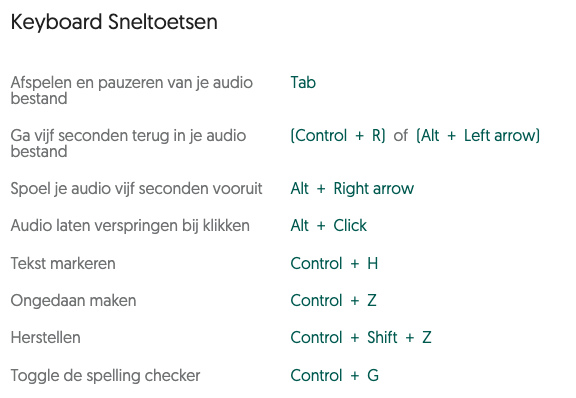
Get started with Amberscript
Read the Amberscript manual here or watch this video for more information:
More Information
| Media | Online service |
|---|---|
| Brand | Amberscript |
| Language | More than 80 languages available |
| Terms of use | |
| Available for: | Employee, Student |
| Cooling-off period | This product is available exclusively in digital format. When placing your order, we ask you to explicitly consent to immediate delivery. Once delivery has begun, your statutory right of withdrawal expires. You can no longer cancel the order after that (Article 6:230p of the Dutch Civil Code). |
Instructions
- Go to www.surfspot.nl and click on "My SURFspot" -> "Orders"; the product will be waiting for you there.
- Click on 'Download'; you will now be redirected to the page where you can create an account with Amberscript.
- After creating your account, click “Redeem coupon” in the top-right corner of your screen and enter the code you received with your order. You can find this under “My SURFspot” → “Orders” under “Show license code.”
Systemrequirements
Amberscript is an online application. The educational version of Amberscript available through SURFspot includes the same features as the “per-hour” version on the Amberscript website. An overview of the features:
- Instant text drafts
- Online text editor
- Advanced dashboard
- More than 80 languages available
- Maximum security and privacy. Data never leaves the EU
- Replace with Automatic speaker identification, so you can see who is saying what. Speaker names can be customized
- Automatic timecodes for each speaker change
- Free machine translation of your text into >10 languages
Manuals

In this installation guide we show you how to use Amberscript.
