
SketchUp Studio (includes SketchUp Pro) 2026 - Employee
In stock
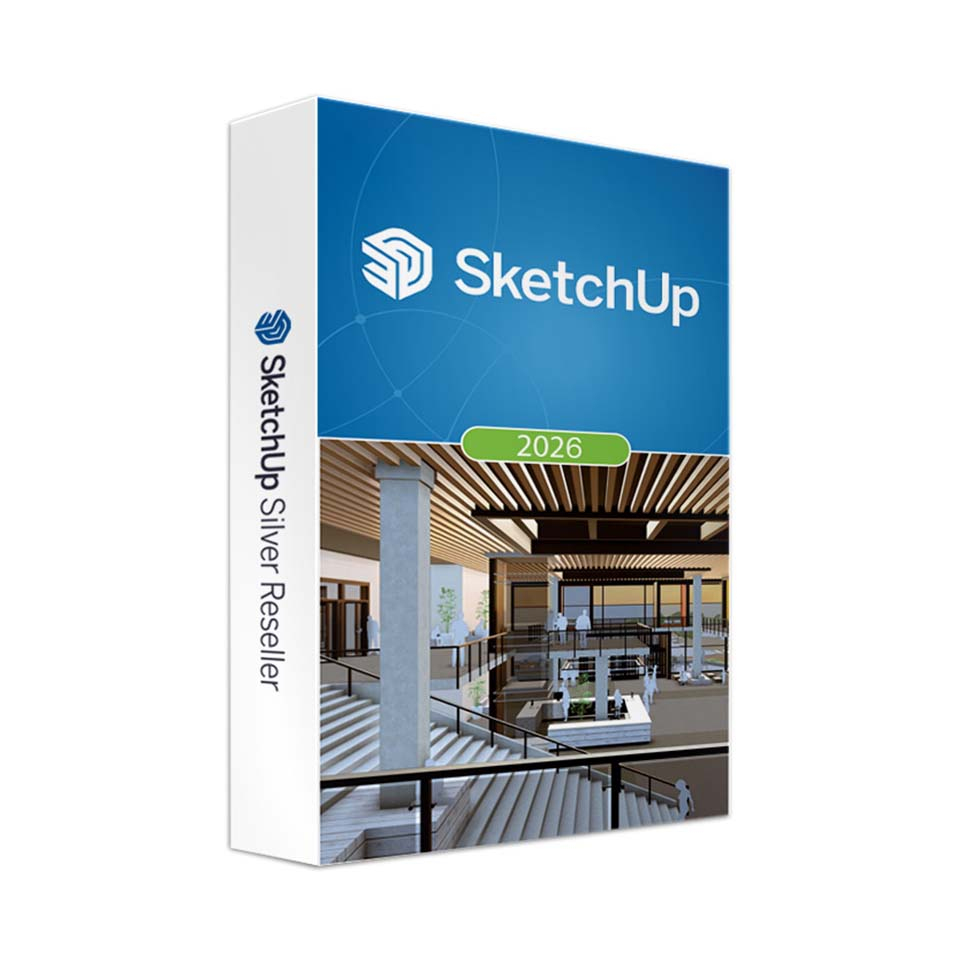
-
Description
-
More Information
-
Instructions
-
Systemrequirements
-
Manuals
-
Reviews
Description
Free webinar on September 29: Discover smart AI tools, learn professional workflows, and boost your resume. > Read all the details here and sign up for free!
Pros and cons:
✓ Powerful photorealistic rendering right in SketchUp.
✓ Extensive content library with high-quality materials and components.
✓ Seamless integration with IFC and Revit workflows.
✘ Some features may have higher system requirements; check the specifications before installing SketchUp.
Quick overview:
- Operating system: Windows/macOS
- Type: Download
- Available for: Employee
- License: 1 year
- Version: Studio 2026
SketchUp Studio 2026 - Powerful 3D designs with photorealistic visualizations
SketchUp Studio 2026 introduces new visualization and collaboration capabilities for architects, engineers, and designers. The 2026 version brings new collaboration features through the Collaboration Bar, improved Ambient Occlusion , and an enhanced materials workflow. Thanks to the intuitive interface and powerful tools, you can create detailed 3D models quickly and efficiently.
The improved Scale Tool can now be used with Live Components, giving you more flexibility when placing components. The improved IFC import and export ensures that data can be seamlessly exchanged between different software platforms. In addition, the extensive 3D Warehouse library offers a wealth of preconfigured components to speed up workflows.
Note: V-Ray for SketchUp is sold separately.
New features in SketchUp Studio 2026
Key updates:
- Collaborating in SketchUp: Share your designs with others via an invitation or a public link.
- Ambient Occlusion: Enhanced visualization capabilities with the new Distance Multiplier and color controls.
- Live Components: Place Live Components using the updated Scale Tool.
- Manage Activations: Now manage your activations without leaving SketchUp.
- Improved LayOut tools: Improved Scrapbooks, four new drafting tools, and an improved interface for Windows.
- Discover the new AI Assistant: Stuck while designing? The new built-in AI Help feature answers all your questions instantly. Watch the short video below to see how it works.
Pros and cons:
✓ Powerful photorealistic rendering right in SketchUp.
✓ Extensive content library with high-quality materials and components.
✓ Seamless integration with IFC and Revit workflows.
✘ Some features may have higher system requirements; check the specifications before installing SketchUp.
Quick overview:
- Operating system: Windows/macOS
- Type: Download
- Available for: Employee
- License: 1 year
- Version: Studio 2026
SketchUp Studio 2026 - Powerful 3D designs with photorealistic visualizations
SketchUp Studio 2026 introduces new visualization and collaboration capabilities for architects, engineers, and designers. The 2026 version brings new collaboration features through the Collaboration Bar, improved Ambient Occlusion , and an enhanced materials workflow. Thanks to the intuitive interface and powerful tools, you can create detailed 3D models quickly and efficiently.
The improved Scale Tool can now be used with Live Components, giving you more flexibility when placing components. The improved IFC import and export ensures that data can be seamlessly exchanged between different software platforms. In addition, the extensive 3D Warehouse library offers a wealth of preconfigured components to speed up workflows.
Note: V-Ray for SketchUp is sold separately.
New features in SketchUp Studio 2026
Key updates:
- Collaborating in SketchUp: Share your designs with others via an invitation or a public link.
- Ambient Occlusion: Enhanced visualization capabilities with the new Distance Multiplier and color controls.
- Live Components: Place Live Components using the updated Scale Tool.
- Manage Activations: Now manage your activations without leaving SketchUp.
- Improved LayOut tools: Improved Scrapbooks, four new drafting tools, and an improved interface for Windows.
- Discover the new AI Assistant: Stuck while designing? The new built-in AI Help feature answers all your questions instantly. Watch the short video below to see how it works.
More Information
| Media | Download |
|---|---|
| Brand | SketchUp |
| Bit version | 64-bit |
| Special conditions |
|
| Terms of use | |
| Available for: | Employee |
| Cooling-off period | This product is delivered exclusively in digital form. When placing your order, we ask you to give your explicit consent for immediate delivery. Once delivery has begun, your statutory right of withdrawal expires. You will no longer be able to cancel the order after that (Article 6:230p of the Dutch Civil Code). |
Instructions
Please note: This product must be activated within 60 days of purchase and may not be used for commercial purposes.
You will not receive a license code. Trimble will send you an email with instructions on how to activate your account. Please do this within 60 days. Didn’t receive the email? Check your spam folder.
Step 1: After you order SketchUp Studio, you’ll receive an email within two business days confirming that your license has been assigned. This email will also include the email address to which the license was assigned—this is your Trimble ID. If you don’t have a Trimble ID yet, proceed to step 2. If you do have a Trimble ID, proceed to step 3.
Step 2: If you don’t have an account yet, you’ll receive an email inviting you to create a Trimble ID. Create a Trimble ID using your name and email address. Now click “Send Code.” You will then receive an email with a code to verify your account. Once you’ve verified your account, you can create a password.
Step 3: Once you’ve created a Trimble ID, you’ll receive another email from Trimble stating that a product has been assigned to you—this is SketchUp Studio, Educational (student or teacher, depending on the product you purchased). Click “Manage your account” to activate your license.
The activation and installation process is explained step by step in our guideor video.
Curious about the AI capabilities SketchUp offers? Then check out these videos.
Systemrequirements
SketchUp Studio
Software:
Note: SketchUp Studio is for Windows only. SketchUp Pro is also available for Mac
Windows
- Windows 10 or 11 - 64-bit
- WebGL-compatible web browser
Hardware
Minimum system requirements
- 2.1+ GHz processor
- 8 GB RAM
- 500 MB of free disk space
- Graphics card with 1+ GB of memory, 100% OpenGL 3.1*
- 3-button mouse with scroll function
Recommended system requirements
- 2.4+ GHz processor
- 16GB RAM
- 1GB disk space
- Graphics card with 2+ GB, 100% OpenGL 3.1*
- 3-button mouse with scroll function
Note: There is no Linux version of SketchUp Pro available.
Graphics card
* If you’re considering a new computer, be sure to allocate sufficient resources to the graphics card. We recommend cards with an RTX chip. These cards provide excellent OpenGL support and come with high-quality drivers. OpenGL is at the heart of 3D rendering for SketchUp Pro. On-board graphics cards (soldered-on chipsets) are strongly discouraged!
System Check-Up Tool
If you have any doubts about your system, you can download a special check-up tool here that tests your system for the correct configuration.
For more information, see the website for SketchUp.
SketchUp Pro
Software:
macOS
- macOS 13, 14, 15, or 26
- WebGL-compatible web browser
Windows
- Windows 10 or 11 - 64-bit
- WebGL-compatible web browser
Hardware
Minimum system requirements
- 2.1+ GHz processor
- 4GB RAM
- 500 MB of free disk space
- Graphics card with 1+ GB of memory, 100% OpenGL 3.1*
- 3-button mouse with scroll function
Recommended system requirements
- 2.4+ GHz processor
- 8 GB RAM
- 1GB disk space
- Graphics card with 2+ GB, 100% OpenGL 3.1*
- 3-button mouse with scroll function
Note: There is no Linux version of SketchUp Pro available.
Graphics card
* If you’re considering a new computer, be sure to allocate sufficient resources to the graphics card. We recommend cards with an RTX chip. These cards provide excellent OpenGL support and come with high-quality drivers. OpenGL is at the heart of 3D rendering for SketchUp Pro. On-board graphics cards (soldered-on chipsets) are strongly discouraged!
System Check-Up Tool
If you have any doubts about your system, you can download a special check-up tool here that tests your system for the correct configuration.
For more information, see the website for SketchUp.
Manuals

