
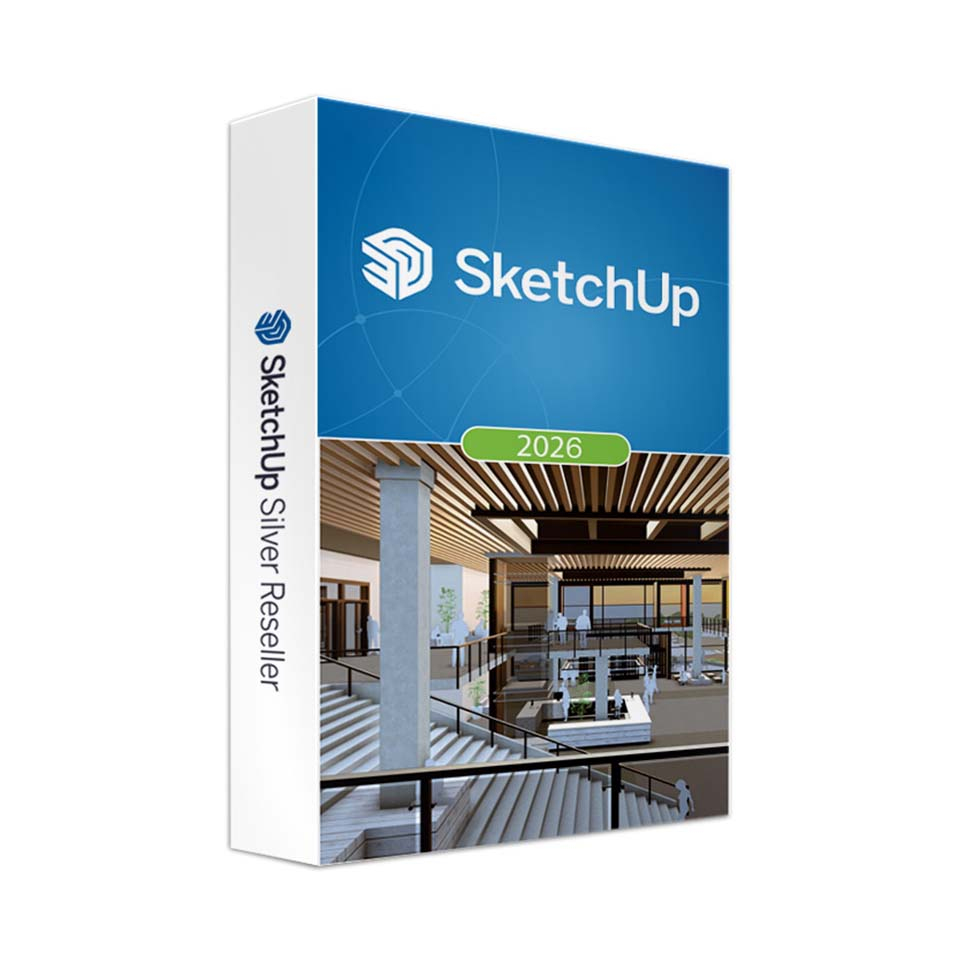
SketchUp Studio (incl. SketchUp Pro) 2026 - Employee
In stock
-
Description
-
More Information
-
Instructions
-
Systemrequirements
-
Manuals
-
Reviews
Description
Pros and cons:
✓ Powerful photorealistic rendering directly in SketchUp.
✓ Extensive content library with high-quality materials and components.
✓ Seamless integration with IFC and Revit workflows.
✘ Some features may require higher system specifications; check requirements before installing SketchUp.
Quick overview:
- Operating system: Windows/macOS
- Type: Download
- Available for: Student
- License: 1 year
- Version: Studio 2026
SketchUp Studio 2026 - Powerful 3D design with photorealistic visualizations
SketchUp Studio 2026 introduces new visualization and collaboration features for architects, engineers, and designers. The 2026 version adds collaboration options through the Collaboration Bar, improved Ambient Occlusion, and an enhanced materials workflow. With its intuitive interface and powerful tools, you can create detailed 3D models quickly and efficiently.
The improved Scale Tool can now be used with Live Components, giving you more flexibility when placing components. The enhanced IFC import and export ensures smooth data exchange between different software platforms. In addition, the extensive 3D Warehouse library provides a wide range of preconfigured components to speed up your workflow.
Note: V-Ray for SketchUp is available separately.
New features in SketchUp Studio 2026
Key updates:
- Collaboration in SketchUp: Share your designs with others via invitation or a public link.
- Ambient Occlusion: Improved visualization options with the new Distance Multiplier and color controls.
- Live Components: Place Live Components using the updated Scale Tool.
- Manage activations: Manage your activations without leaving SketchUp.
- Improved LayOut tools: Enhanced Scrapbooks, four new drafting tools, and an improved interface for Windows.
More Information
| Media | Download |
|---|---|
| Brand | SketchUp |
| Bit version | 64-bits |
| Available for: | Employee |
| Special conditions |
|
| Terms of use |
Instructions
Note: This product must be activated within 60 days of purchase and may not be used for commercial purposes.
You will not receive a license key. You will receive an email from Trimble to activate your account. Make sure to do this within 60 days. Didn’t receive an email? Check your spam folder.
Step 1: After ordering SketchUp Studio, you will receive an email within two working days confirming that your license has been assigned. This email will also show the email address it is assigned to, which is your Trimble ID. If you do not yet have a Trimble ID, continue to step 2. If you already have a Trimble ID, continue to step 3.
Step 2: If you do not yet have an account, you will receive an email with an invitation to create a Trimble ID. Create a Trimble ID using your name and email address. Click “Send Code”. You will then receive an email with a code to verify your account. Once verified, you can create a password.
Step 3: After creating your Trimble ID, you will receive another email from Trimble stating that a product has been assigned to you. This will be SketchUp Studio, Educational (student or teacher, depending on the product you purchased). Click “Manage your account” to activate your license.
The activation and installation process is explained step by step in our manual or video.
Systemrequirements
SketchUp Studio
Software:
Note: SketchUp Studio is only available for Windows. SketchUp Pro is also available for Mac.
Windows
- Windows 10 or 11 - 64 Bit
- WebGL-compatible web browser
Hardware
Minimum system requirements
- 2.1+ GHz processor
- 8GB RAM
- 500MB disk space
- Graphics card 1+ GB 100% OpenGL 3.1*
- 3-button mouse with scroll function
Recommended system requirements
- 2.4+ GHz processor
- 16GB RAM
- 1GB disk space
- Graphics card 2+ GB 100% OpenGL 3.1*
- 3-button mouse with scroll function
Note: There is no Linux version of SketchUp Pro available.
Graphics card
* If you are considering a new machine, make sure to invest sufficiently in the graphics card. We recommend cards with an RTX chip. These cards provide strong OpenGL support and reliable drivers. OpenGL is at the core of SketchUp Pro’s 3D rendering. On-board graphics cards (integrated chipsets) are strongly discouraged.
System Check-Up Tool
If you are unsure about your system, you can download a special check-up tool here to test whether your system meets the required configuration.
For more information, visit the SketchUp website.
SketchUp Pro
Software:
macOS
- macOS 13, 14, 15 or 26
- WebGL-compatible web browser
Windows
- Windows 10 or 11 - 64 Bit
- WebGL-compatible web browser
Hardware
Minimum system requirements
- 2.1+ GHz processor
- 4GB RAM
- 500MB disk space
- Graphics card 1+ GB 100% OpenGL 3.1*
- 3-button mouse with scroll function
Recommended system requirements
- 2.4+ GHz processor
- 8GB RAM
- 1GB disk space
- Graphics card 2+ GB 100% OpenGL 3.1*
- 3-button mouse with scroll function
Note: There is no Linux version of SketchUp Pro available.
Graphics card
* If you are considering a new machine, make sure to invest sufficiently in the graphics card. We recommend cards with an RTX chip. These cards provide strong OpenGL support and reliable drivers. OpenGL is at the core of SketchUp Pro’s 3D rendering. On-board graphics cards (integrated chipsets) are strongly discouraged.
System Check-Up Tool
If you are unsure about your system, you can download a special check-up tool here to test whether your system meets the required configuration.
For more information, visit the SketchUp website.
Manuals

