
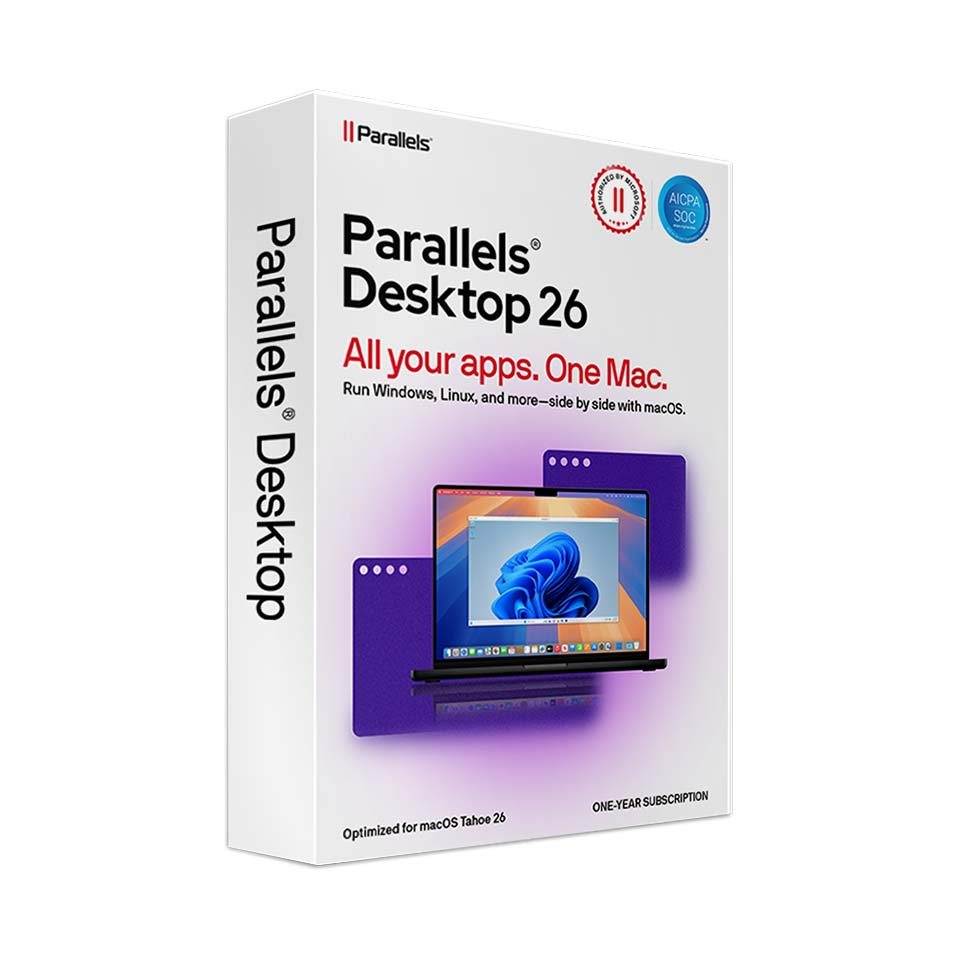
Parallels Desktop 26 for Mac
In stock
-
Description
-
More Information
-
Instructions
-
Systemrequirements
-
Manuals
-
Reviews
Description
Quick overview:
- Operating system: macOS
- Type: Download
- Available for: Staff/Student
- License: 1 year
- Version: Standard Edition (26.0)
Parallels Desktop 26 lets you run Windows apps smoothly on your Mac with Intel or Apple silicon, without restarting. Switch seamlessly between macOS and Windows and benefit from strong 3D performance for study applications, light gaming, and visualizations, suitable for class, internships, or working from home. Optimized for macOS 26 Tahoe and featuring accurate disk space display in Windows VMs, so large installations and updates run without surprises.
Pros and cons:
✓ Seamless Mac↔Windows (Coherence Mode) and strong 3D performance.
✓ Optimized for macOS 26 Tahoe with accurate disk space display in Windows VMs.
✓ Regular updates.
✘ A separate Windows license is required.
More Information
| Media | Download |
|---|---|
| Brand | Parallels |
| Available for: | Employee, Student |
| Cooling-off period | The right of withdrawal does not apply to downloads. Downloads cannot be cancelled or returned. By placing your order, you agreed to waive your right of withdrawal. All products purchased via SURFspot include VAT and shipping costs. |
| Terms of use |
Instructions
- Go to www.surfspot.nl. Click on ‘My SURFspot’ -> ‘Orders’; your product will be available there.
- Click ‘Download’ and install Parallels.
- Sign in with your Parallels account.
- Activate your Parallels license using the license key. You can find it under ‘My SURFspot’ -> ‘Orders’ via ‘Show license key’.
- Activate your Windows license using your Windows license key.
For a smooth installation, follow the steps in our manual.
Systemrequirements
Compatibility
Before purchasing Parallels, make sure to check whether this version is supported by your macOS version. Software cannot be returned.
How do I check which macOS version I’m using? You can find this information on the following page: Check which macOS version your Mac is using - Apple Support
Advice
For proper performance, check the system requirements carefully before installing the software. Keep in mind that compatibility with operating systems may vary and that some versions may not be suitable for the latest systems. You can find the most up-to-date requirements and updates on the Parallels website.
Hardware requirements
- 600MB required for installation of Parallels Desktop applications.
- 4GB RAM
- Any Apple silicon chip or Intel i5, i7, i9, Core M, or Xeon processor.
For more information, visit the Parallels website.
Manuals

