
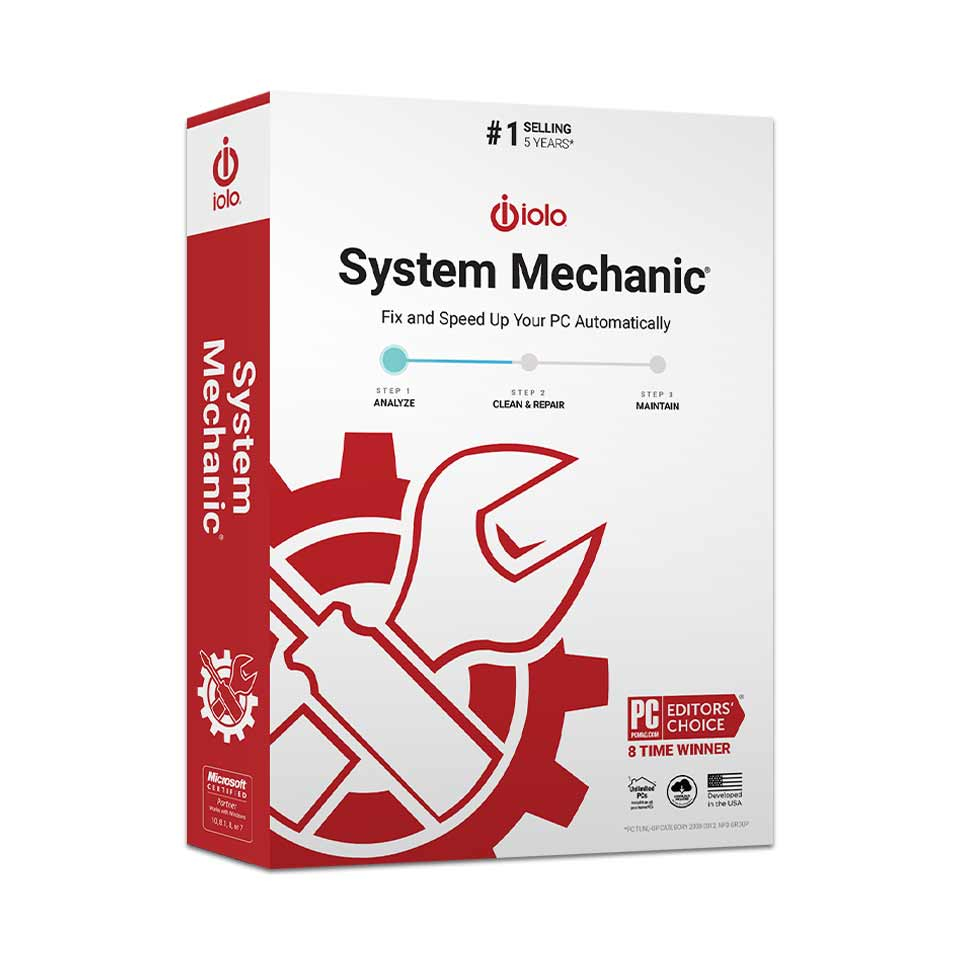
iolo System Mechanic
In stock
€19.00
Retail price supplier
€49.95
Lowest price in last 30 days:
Retail price supplier
-
Description
-
More Information
-
Instructions
-
Systemrequirements
-
Reviews
Description
Quick Overview:
- Operating System: Windows
- Available for: Employee/Student
- Type: Download
- License: 1 year, 1 user
- Version: System Mechanic
iolo System Mechanic
iolo System Mechanic finds and disables programs that unnecessarily slow down your system. The latest version of iolo ensures your computer doesn’t slow down by closing programs that continue to run unnecessarily in the background.
What does iolo System Mechanic do:
- Increases your computer’s speed.
- Ensures your Wi-Fi runs at its fastest speed.
- Removes software that takes up unnecessary space on your hard drive.
- Defragments drives: helps organize your hard drive.
- Stops activities that slow down your processor.
- Secures and protects your privacy.
- Cleans up useless junk.
- Threats can be scanned and repaired faster than before.
- Finds new threats and issues within Windows that need to be optimized.
More Information
| Media | Download |
|---|---|
| Brand | IOLO |
| Bit version | 32-bit and 64-bit |
| Special conditions | Iolo System Mechanic is a one-year license for one user. After activating the license, you can use the product for one year on multiple devices. |
| Terms of use | |
| Available for: | Employee, Student |
| Cooling-off period | This product is delivered exclusively in digital format. When placing your order, we ask that you explicitly consent to immediate delivery. Once delivery has begun, your statutory right of withdrawal expires. You can no longer cancel the order after that (Article 6:230p of the Dutch Civil Code). |
Instructions
The download link and license code have been saved in your SURFspot account so you can access this information at any time. To do so, go to surfspot.nl. Click on "My SURFspot" -> "Orders"; the product will be waiting there. Click "Download" to download the product. The license code is listed under "Show license code."
Systemrequirements
Windows
- Windows 11, 10, 8.1, 8, or 7
- 512 MB RAM (2 GB recommended)
- 30 MB of free hard drive space
- Internet connection (required for license activation)
For more information, visit the Iolo website.
Customer Reviews
Only customers who purchased this product can write a review.
