
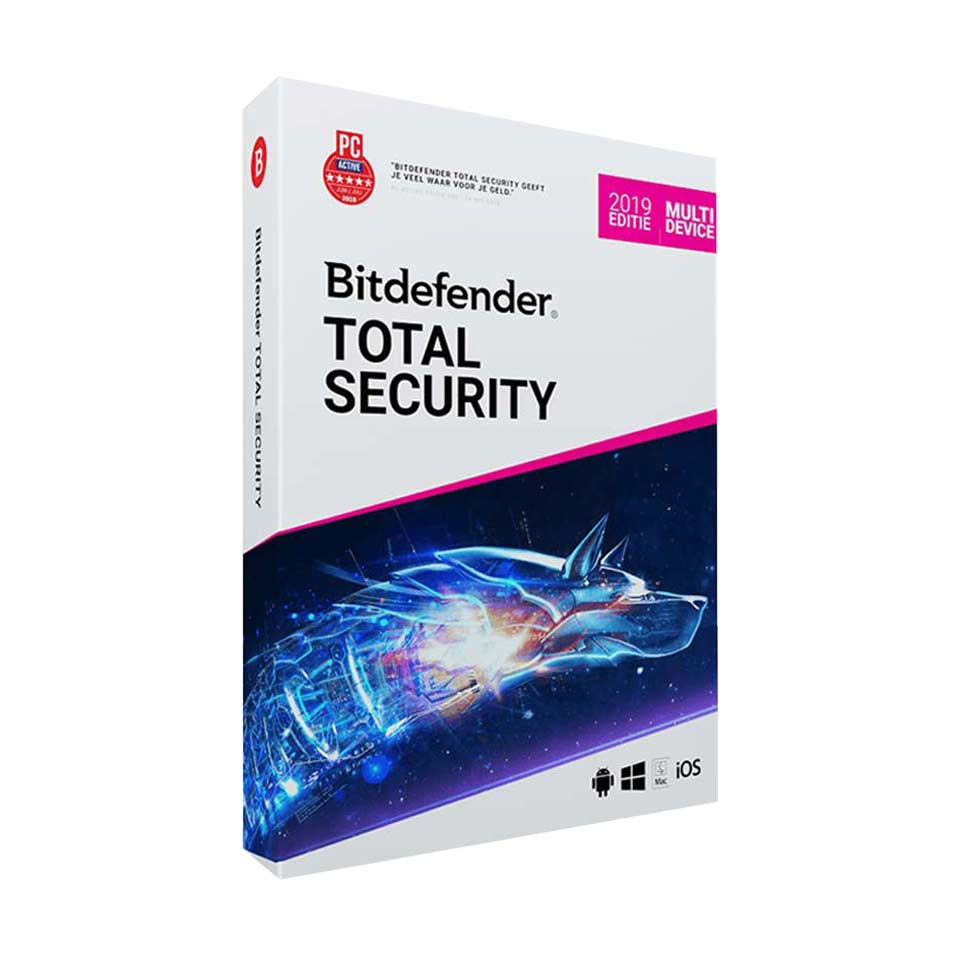
Bitdefender Total Security
In stock
-
Description
-
More Information
-
Instructions
-
Systemrequirements
-
Manuals
-
Reviews
Description
Quick overview:
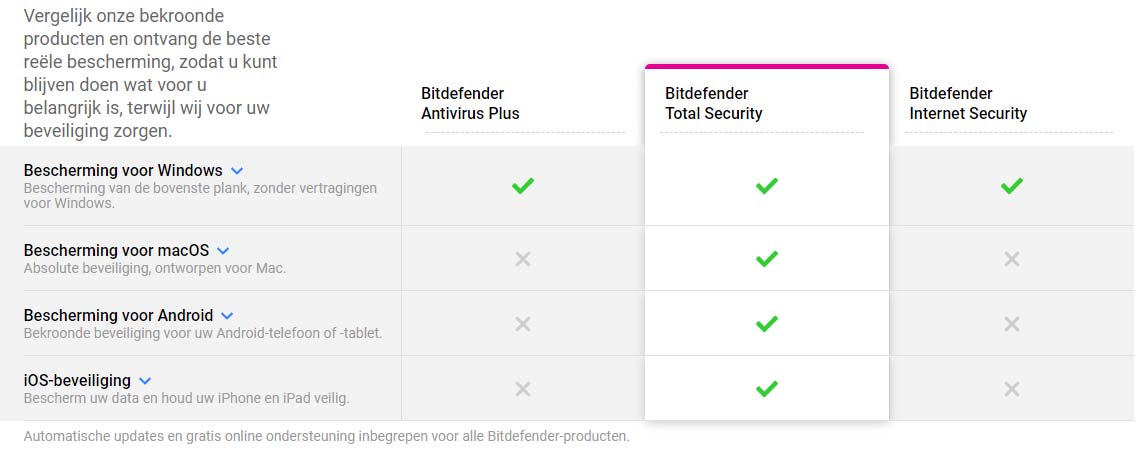
- Operating system: Mac/Windows/iOS/Android
- Type: Download
- Available for: Employee/Student
- License: 1 year
Protect all your devices with Bitdefender Total Security, the ultimate all-in-one security solution for your digital life. With powerful antivirus, firewall, parental controls, and privacy protection, Bitdefender keeps you safe from all possible threats, from malware to ransomware. Enjoy peace of mind as Bitdefender automatically detects and blocks suspicious activity and protects your sensitive data. Thanks to Bitdefender VPN, your internet activities are protected by encrypting all your online traffic. The improved version of the parental control feature allows parents to manage their children’s screen time, monitor online activities, block incoming calls from unknown numbers, and even track their children’s location using GPS tracking.
New and Improved in Bitdefender Total Security:
- Advanced Threat Defense: the technology for detecting suspicious activity has been improved.
- Microphone Monitor: See which apps have access to your microphone and when.
- Secure Online Banking: Conduct your banking from a dedicated browser to prevent fraud.
- Parental Controls: Filter inappropriate content, limit screen time, and track locations.
- Wi-Fi Security Advisor: Check the security of your Wi-Fi network wherever you want to connect.
- NEW Scam Alert: proactively protects against mobile attacks via malicious links to prevent scams.
More Information
| Media | Download |
|---|---|
| Brand | Bitdefender |
| Bit version | 32-bit and 64-bit |
| Language | Dutch & English |
| Terms of use | |
| Available for: | Employee, Student |
| Cooling-off period | This product is available exclusively in digital format. When placing your order, we ask you to explicitly consent to immediate delivery. Once delivery has begun, your statutory right of withdrawal expires. You can no longer cancel the order after that (Article 6:230p of the Dutch Civil Code). |
Instructions
- Order Bitdefender on SURFspot. You will now receive an email at the email address you provided from noreply@activate-here.com. Click the link in this email.
- Log in to this portal using the username and password you received via email.
- Click “Claim your code” to activate the code.
- Now click “Install Products” and click the download link.
- Log in to Bitdefender.
- Enter the code from step 3 and click “Activate.”
- Download the software.
For a smooth installation, follow the steps in our guide .
Systemrequirements
Windows
- Operating System: Windows 7 with Service Pack 1, Windows 8.1, Windows 10, and Windows 11
- Memory (RAM): 2 GB
- Available hard disk space: 2.5 GB of free space
- Software requirements: Internet Explorer version 11
- *System performance may be affected on devices with older-generation CPUs
- *Bitdefender will continue to support Windows 7 and 8.1 until 2027
macOS
- Operating System: macOS Big Sur (11) or later for the latest versions of Total Security.
- Available hard disk space: 1 GB of free space
- Supported browsers: Safari, Firefox, Google Chrome
- You can only install Bitdefender VPN on devices running macOS Sierra (10.12 or later)
iOS
- iOS 14 or later
- A working internet connection
Android
- Android 7.0 or later
- A working internet connection
For more information, see the Bitdefender website.
Manuals

