
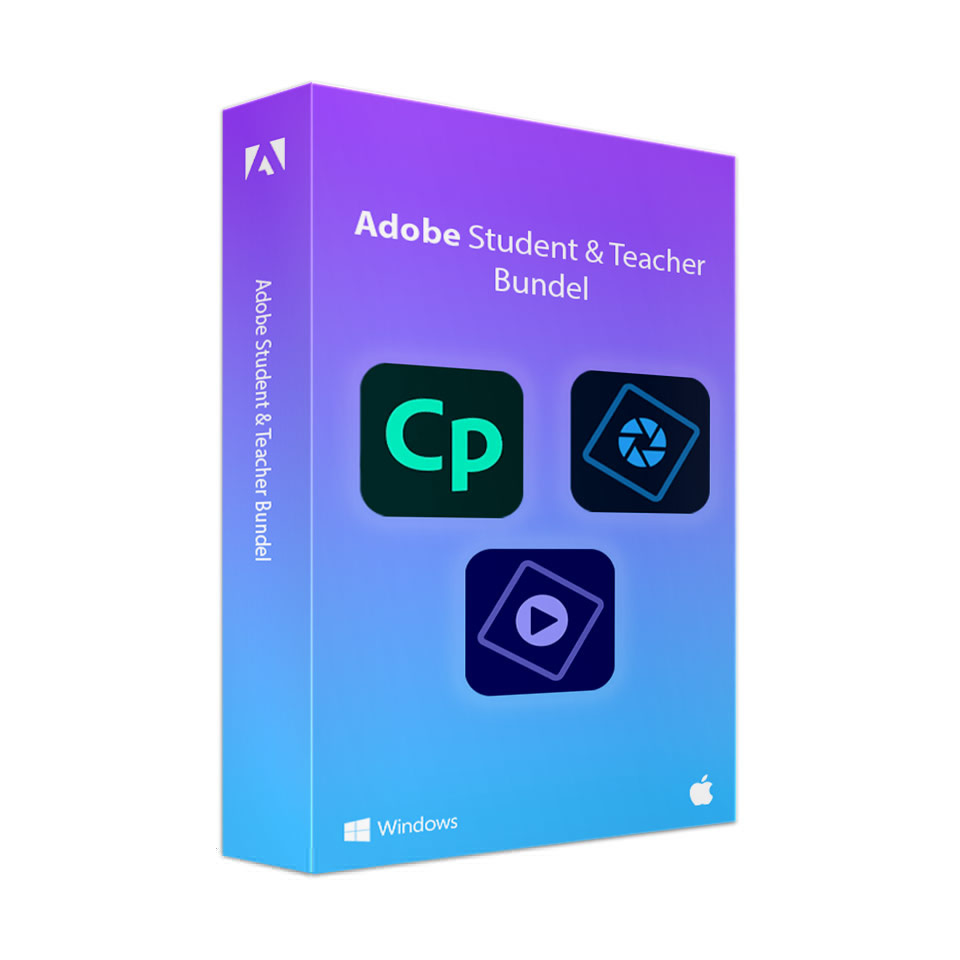
Adobe Student & Teacher Bundle (Captivate, Photoshop Elements, and Premiere Elements)
In stock
Please note: Use a personal email address, not the one provided by your educational institution.
-
Description
-
More Information
-
Instructions
-
Systemrequirements
-
Manuals
-
Reviews
Description
Quick overview:
- Operating system: Windows/macOS/iOS/Android
- Available for: Employee/Student
- Type: Download
- License: 1 Year
With the Adobe Student & Teacher Bundle, you get access to three powerful programs: Captivate, Photoshop Elements, and Premiere Elements. This bundle has been specially curated for students and teachers, giving you the tools to bring your ideas to life and enhance your work. Whether you’re working on e-learning, photo editing, or video editing, this bundle lets you expand your skills.
Captivate
With Captivate, you can create interactive e-learning content and presentations. This program provides the tools to develop responsive courses, software simulations, and interactive videos. Whether you’re a beginner or already have experience, Captivate helps you improve your educational and training materials.
Photoshop Elements
Use Photoshop Elements for photo editing and graphic design. You can easily correct colors, remove unwanted elements, and add creative effects. With templates and automation options, you can quickly create impressive visuals that make your projects stand out.
Premiere Elements
With Premiere Elements, you can easily edit your videos. Whether for presentations, projects, or personal creations, this program lets you cut, trim, and merge video clips. Add effects, transitions, and titles to give your videos a professional finish.
Pros and cons:
✓ Accessible to users of all skill levels.
✓ Adobe offers tutorials and support for users.
✘Adobe software can be demanding in terms of system requirements, especially when working with large media files.
More Information
| Media | Download |
|---|---|
| Brand | Adobe |
| Language | Multiple languages |
| Special conditions |
|
| Terms of use | |
| Available for: | Employee, Student |
| Cooling-off period | This product is available exclusively in digital format. When placing your order, we ask you to explicitly consent to immediate delivery. Once delivery has begun, your statutory right of withdrawal expires. You can no longer cancel the order after that (Article 6:230p of the Dutch Civil Code). |
Instructions
Click the "Download" link next to your order to download the bundle. Unzip the .zip file, and then choose which program you want to install. Install the program and log in to Adobe using the email address you provided when placing your order. When logging in, select the SURFspot Operational Console profile.
Note:
- The installation file (and the individual programs) is large, so make sure you have at least 30 GB of available space on your hard drive.
- You will not receive alicense code from Adobe.
- The membership is linked to the email address you provided when placing your order. If possible, always provide a personal email addressthat does not end with your institution’s domain.
- The license becomes active as soon as you place your order.
- The expiration date is the order date plus 1 year.
- Always follow the steps in the manual to ensure that you complete the installation correctly.
Systemrequirements
System requirements vary by Adobe product. Visit the Adobe website to view the system requirements for each product:
Manuals

