
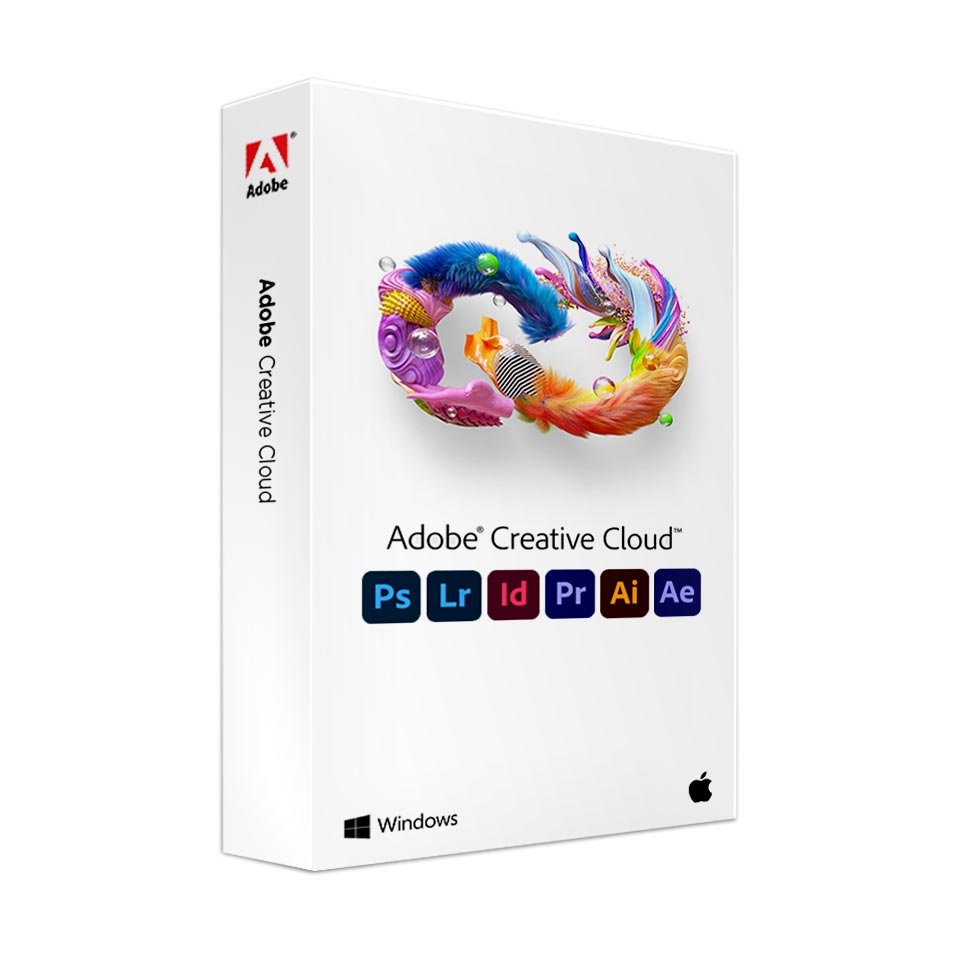
Adobe Creative Cloud - Graphic Design High Schools
In stock
-
Description
-
More Information
-
Instructions
-
Before ordering
-
Systemrequirements
-
Manuals
-
Reviews
Description
Quick Overview
- Operating System: Windows/macOS/iOS/Android
- Available for: Students at the Grafisch Lyceum Rotterdam and SintLucas
- Type: Download
- License: 1 year from order date
Get an extra discount as a graphic design student
Are you a student at the Grafisch Lyceum Rotterdam (GLR) or SintLucas? Get an extra discount on the Adobe Creative Cloud education license! This package includes all of Adobe’s creative apps, such as Photoshop, Premiere Pro, and Illustrator.
Key features:
- Includes 20 desktop and mobile apps.
- For photography, graphic design, video, illustration, UI & UX, and social media.
- 1,000 credits to generate per month.
- 100GB of cloud storage and offline access. Always back up your important files. Save important files locally to minimize the risk of loss.
- Compatible with Windows, Mac, iOS, and Android.
- Only free images and fonts are available under the educational license. You cannot upload custom fonts.
- Collaboration is not available in the educational versions of some apps.
Adobe Lightroom: Edit photos professionally on all your devices.
Adobe Photoshop: Advanced image editing on desktop and tablet.
Adobe Premiere Pro: Comprehensive video editing; combine with After Effects for additional effects.
Adobe Illustrator: Create vector images and illustrations.
More Apps: For the most up-to-date information and system requirements, click here.
Please note: Beta versions of the apps and Adobe Stock are not included.
More Information
| Media | Online service |
|---|---|
| Brand | Adobe |
| Bit version | 32-bit and 64-bit |
| Language | Multiple languages |
| Special conditions |
|
| Terms of use | |
| Available for: | Student |
| Cooling-off period | This product is available exclusively in digital format. When placing your order, we ask that you explicitly consent to immediate delivery. Once delivery has begun, your statutory right of withdrawal expires. You will no longer be able to cancel the order after that (Article 6:230p of the Dutch Civil Code). |
Instructions
After placing your order, you’ll receive an email from Adobe at the address you provided when placing your order, with the subject line “Get Started with All Apps.” Click “Get Started” and log in with the same email address; you’ll see your membership immediately in your Adobe account.
After placing your order
Receive an email from Adobe
You’ll receive an email from Adobe at the address you provided when placing your order.
- Subject: “Get started with All Apps”.
- Click “Get Started” and sign in with the same email address you used to receive the email.
- Your membership will appear immediately in your Adobe account.
Please note: Did you renew your license before your old one expired? If so, you will not receive email from Adobe.
No license code
You will not receive a license code; the membership is automatically linked to your email address.
Installation
- Follow the instructions to install Adobe Creative Cloud correctly.
- Would you like to use the software on a second device? Download the Creative Cloud desktop app here .
Change email address
Would you like to use a different email address later? You can change this yourself in your Adobe account.
Support
We only manage the licenses (such as linking them to your account). For other questions or technical issues, please contact Adobe directly.
Before ordering
Choose the correct email address
Always use a personal email address that does not end with your educational institution’s domain (for example, @student.institution.nl). This prevents problems, as institutions sometimes manage their own Adobe environment.
Know when to renew
Do you want to renew? Don’t order your new license until your current one is about to expire, and use the same email address as in your previous order.
License Term
Your license takes effect immediately upon ordering and is valid for one year from the order date.
Use
The license is intended solely for personal or educational use and may not be used for commercial purposes.
Systemrequirements
System requirements vary by Adobe product. Visit the Adobe page for the system requirements for each product.
Please note: You may experience compatibility issues with macOS Big Sur (macOS 11). Check here for the latest information on the Adobe website.
Manuals


