
WiFi Explorer Pro for Windows
In stock
-
Description
-
More Information
-
Systemrequirements
-
Manuals
-
Reviews
Description
Quick overview:
- Operating system: Windows
- Available for: Employee/Student
- Type: Download
- License: One-time purchase
WiFi Explorer Pro for Windows: Advanced Wi-Fi analysis for Windows
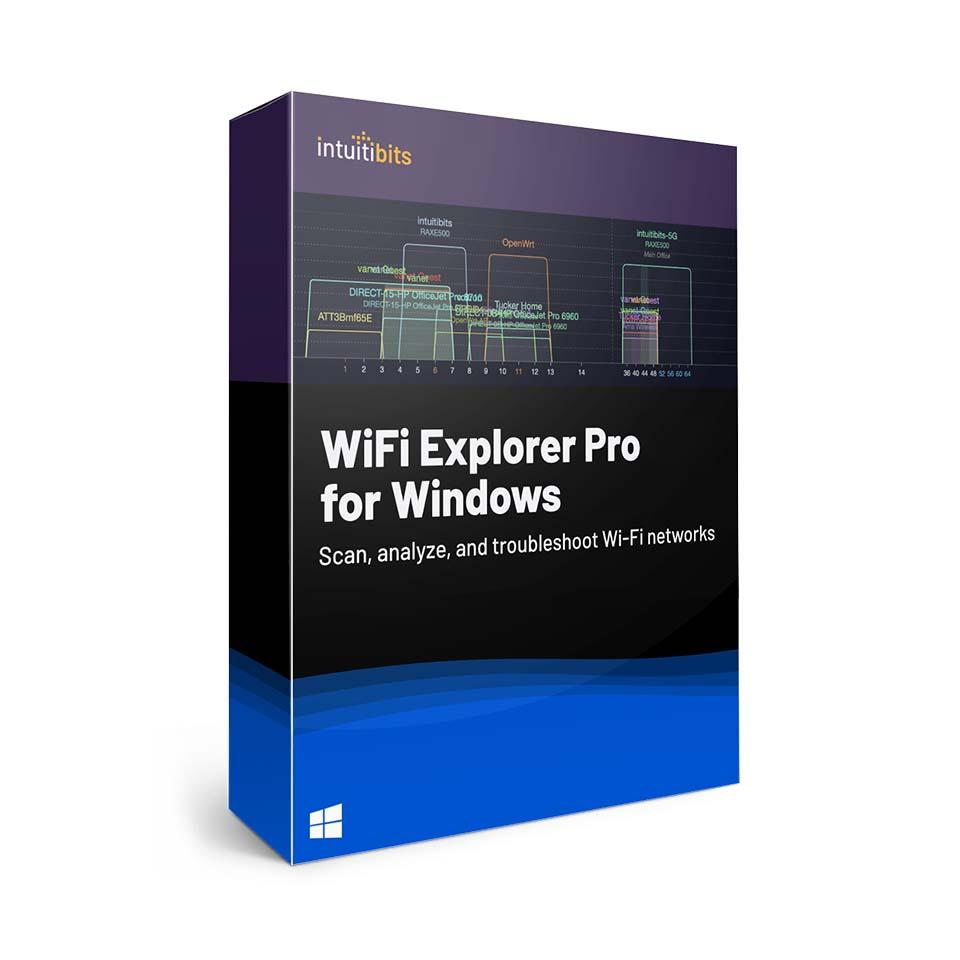
WiFi Explorer Pro for Windows combines comprehensive scanning with a user-friendly interface and professional features to troubleshoot issues, improve performance, and ensure stable networks from office environments to schools, hospitals, or public networks.
Professional features for in-depth Wi-Fi analysis:
- Detailed insights: View comprehensive information for each network and access point, such as SSID, signal strength, channel, band, security, and data rates.
- Multiple Wi-Fi adapters: Scan using internal or external adapters for additional network information.
- Channel visualization: Instantly see channel overlap and potential interference.
- Customizable view: Set up your own columns and filters for SSID, band, channel, security, etc.
- Live monitoring: Track real-time signal and channel data to assess coverage and interference.
- Tool integration: Works seamlessly with tools for site surveys, spectrum analysis, and packet captures.
Compatibility
WiFi Explorer Pro for Windows supports 2.4, 5, and 6 GHz, channel widths up to 320 MHz, and Wi-Fi standards up to Wi-Fi 7 (802.11a/b/g/n/ ac/ ax/ be ). Scan results can be saved in PcapNG or PCAP format and imported as CSV, for flexible data analysis and integration with other tools.
Who is WiFi Explorer Pro for Windows intended for?
- Network professionals in enterprise, education, healthcare, or public Wi-Fi networks.
- IT teams that support office networks and campus Wi-Fi.
- Consultants and installers who perform on-site surveys, validations, and optimizations.
- Trainers and instructors who want to demonstrate Wi-Fi behavior realistically.
Do you work on a Mac? Then check out WiFi Explorer (Basic) or WiFi Explorer Pro 3 (Mac) for the same professional features on macOS.
Pros and cons:
✓ Specifically designed for IT professionals, consultants, and network engineers.
✓ Supports a wide range of Wi-Fi frequencies and standards.
✓ Ability to import and export scan results in various formats.
✘ Requires a compatible Wi-Fi 6E interface to use the 6 GHz band.
More Information
| Media | Download |
|---|---|
| Brand | Intuitibits |
| Available for: | Employee, Student |
| Special conditions | Licenses with a “one-time purchase” term do not have a fixed expiration date. You can continue to use the software as long as it functions properly and is supported by the vendor or your operating system. Unfortunately, once that support ends, we can no longer guarantee that the software will continue to function. |
Systemrequirements
Computer and processor: Intel processor
Operating system: Windows 10 or later
Memory: 8 GB RAM
Hard drive: 100 MB of available disk space
Display: 1280 x 800 screen resolution
Graphics card: No specific graphics requirements
Manuals

