
WiFi Explorer Pro 3 for Mac
In stock
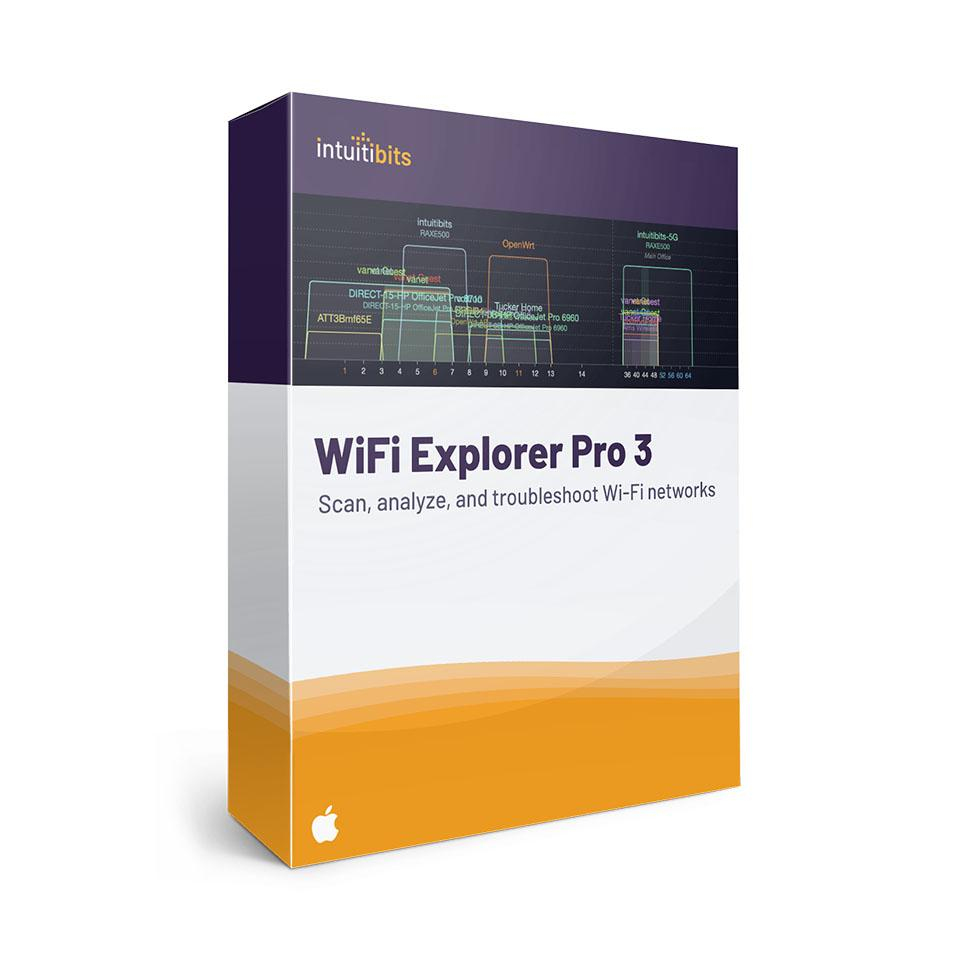
-
Description
-
More Information
-
Systemrequirements
-
Manuals
-
Reviews
Description
Quick overview:
- Operating system: macOS
- Available for: Employee/Student
- Type: Download
- License: One-time purchase
WiFi Explorer Pro 3: Advanced Wi-Fi analysis for macOS
WiFi Explorer Pro 3 provides in-depth insight into complex networks; ranging from troubleshooting to optimizing enterprise and campus Wi-Fi. Built on the solid foundation of WiFi Explorer, with additional features for advanced analysis, passive scanning, and integration with professional tools.
Professional features for in-depth analysis:
- Comprehensive network information: Signal and noise levels, channel width, security, PHY mode, data rates, and more.
- Passive scanning: Capture beacons and probe responses without burdening the network. (Not supported on M1 Macs.)
- Spectrum Analysis: Visualize interference and monitor channel usage through integration with spectrum analyzers.
- Flexible interface: Customize columns and filters by SSID, vendor, PHY mode, security type, and more.
- Live monitoring: View real-time statistics to assess coverage, roaming , and interference.
- Export options: Export results as CSV for reporting or further analysis.
- Tool integration: Works with packet capture and site survey tools.
Compatibility
WiFi Explorer Pro 3 supports 2.4, 5, and 6 GHz frequency bands, channels up to 320 MHz, and works with Wi-Fi standards such as Wi-Fi 4, 5, 6, 6E, and 7. Suitable for networks compliant with 802.11a/b/g/n/ ac/ ax/ be.
Who is Wi-Fi Explorer Pro 3 for?
- Wireless LAN professionals who design and maintain corporate networks.
- IT teams responsible for ensuring stable Wi-Fi in offices, on campuses, or in hospitals.
- Consultants who troubleshoot issues on-site and validate networks.
- Trainers and instructors who want to demonstrate Wi-Fi diagnostics and RF behavior.
Prefer a simpler tool? Then try WiFi Explorer (Mac) for home use or WiFi Explorer Pro for Windows if you’re working on Windows.
Pros and cons:
✓ Professional, macOS-native tool for in-depth Wi-Fi analysis.
✓ Suitable for home, small office, and corporate networks.
✓ Customizable filters and color rules for specific troubleshooting.
✘ Passive scan mode does not work on M1 Apple Silicon Macs.
More Information
| Media | Download |
|---|---|
| Brand | Intuitibits |
| Special conditions | Licenses with a “one-time purchase” term do not have a fixed expiration date. You can continue to use the software as long as it functions properly and is supported by the vendor or your operating system. Unfortunately, once that support ends, we can no longer guarantee that the software will continue to function. |
| Available for: | Employee, Student |
| Cooling-off period | This product is available exclusively in digital format. When placing your order, we ask you to explicitly consent to immediate delivery. Once delivery has begun, your statutory right of withdrawal expires. You can no longer cancel the order after that (Article 6:230p of the Dutch Civil Code). |
Systemrequirements
Computer and processor: Intel or Apple Silicon processor
Operating system: macOS 10.14.6 or later
Memory: 8 GB RAM
Hard drive: 100 MB of available disk space
Display: 1280 x 800 screen resolution
Graphics card: No specific graphics requirements
Manuals

