
WiFi Explorer for Mac
In stock
-
Description
-
More Information
-
Systemrequirements
-
Reviews
Description
Quick overview:
- Operating system: macOS
- Available for: Employee/Student
- Type: Download
- License: One-time purchase
WiFi Explorer: Simple and powerful Wi-Fi analysis for macOS
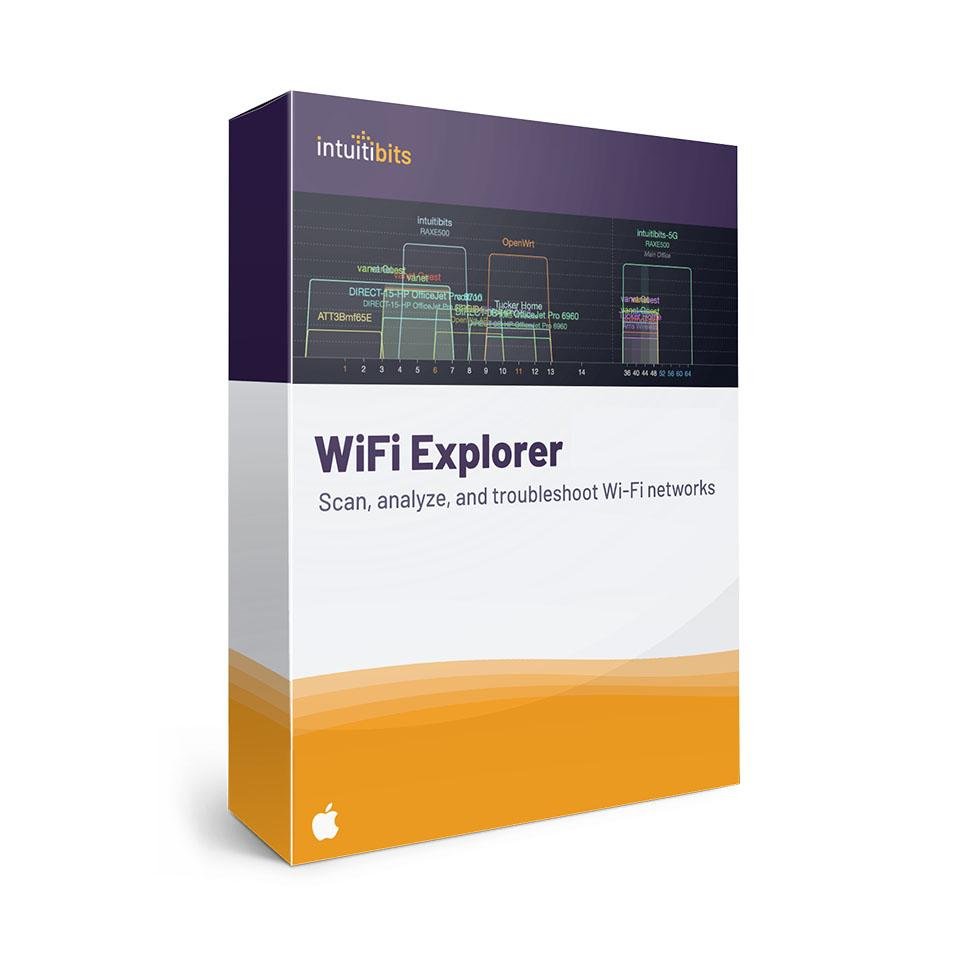
WiFi Explorer is a powerful yet easy-to-use Wi-Fi scanner and analyzer for Mac. Discover, analyze, and optimize wireless networks without needing to be a network specialist. Fix slow connections, dropped Wi-Fi, or weak signals with clear visualizations and practical recommendations.
Key Features:
- Discover all nearby networks: WiFi Explorer scans and displays all Wi-Fi networks in the area, including hidden networks. View SSIDs, router brands, signal strength, security type (WPA2, WPA3, etc.), and more.
- Check your signal strength in real time: Walk around the room and see live where the signal is weak to find the best location for your router or laptop.
- Find and fix interference: See which channels nearby networks are using. If networks overlap, it can affect your speed. WiFi Explorer helps you choose a better channel for a more stable connection.
- Clear visualizations: Graphs and diagrams provide immediate insight into how networks affect each other.
- Real-time updates: See changes immediately as you move, ideal for testing router locations.
- Get started right away: No installation required; open the app and scanning starts automatically.
Compatibility
WiFi Explorer supports 802.11a/b/g/n/ ac/ ax/ be and works on Macs with built-in Wi-Fi. Wi-Fi 6E is required for 6 GHz scans. The tool is compatible with Wi-Fi 4 through 7, supports 2.4, 5, and 6 GHz, and channels up to 320 MHz.
Who is WiFi Explorer for?
- Home users who want to improve their Wi-Fi without technical knowledge.
- IT support staff and network administrators who want to quickly locate and resolve issues.
Looking for more advanced features? Then try WiFi Explorer Pro 3 (Mac) or WiFi Explorer Pro for Windows for more in-depth Wi-Fi analysis.
Pros and cons:
✓ Suitable for home and small office use.
✓ Supports a wide range of Wi-Fi frequencies and standards.
✓ Intuitive and simple interface for beginners. No technical knowledge required.
✘ Does not work without built-in Wi-Fi on your Mac.
More Information
| Media | Download |
|---|---|
| Brand | Intuitibits |
| Special conditions | Licenses with a "one-time purchase" term do not have a fixed expiration date. You can continue to use the software as long as it functions properly and is supported by the vendor or your operating system. Unfortunately, once that support ends, we can no longer guarantee that the software will continue to work. |
| Available for: | Employee, Student |
| Cooling-off period | This product is available exclusively in digital format. When placing your order, we ask you to explicitly consent to immediate delivery. Once delivery has begun, your statutory right of withdrawal expires. You can no longer cancel the order after that (Article 6:230p of the Dutch Civil Code). |
Systemrequirements
Computer and processor: Intel or Apple Silicon processor
Operating system: macOS 10.14.6 or later
Memory: 8 GB RAM
Hard drive: 100 MB of available disk space
Display: 1280 x 800 screen resolution
Graphics card: No specific graphics requirements
