
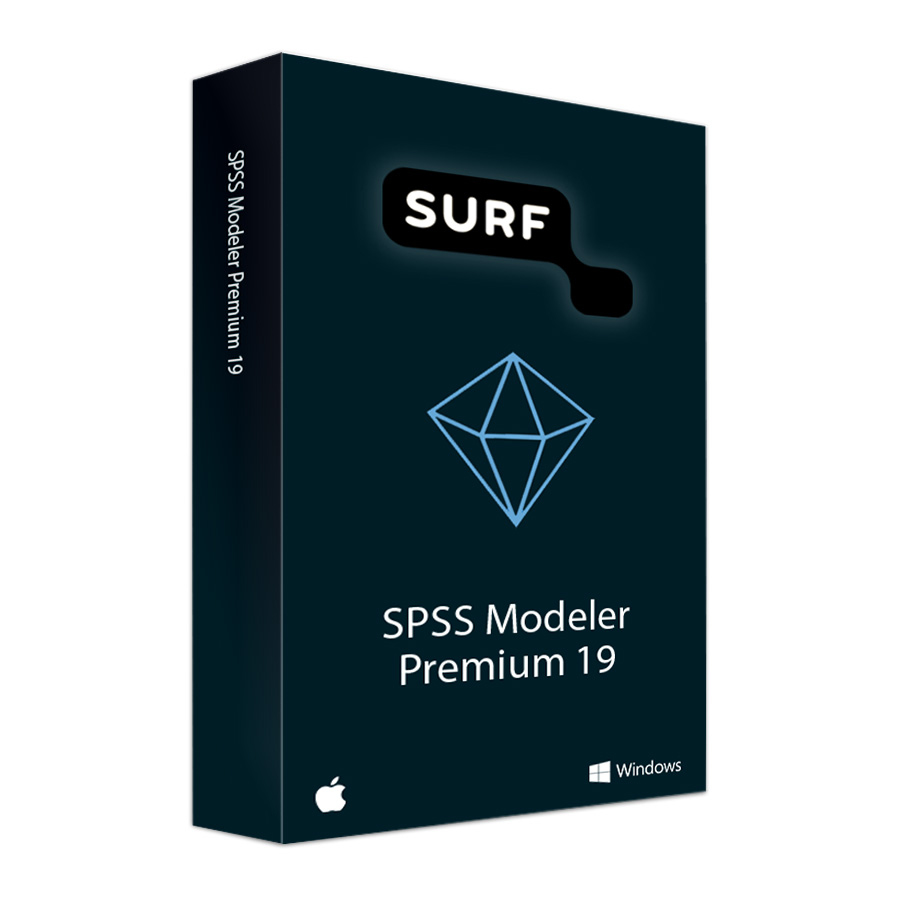
SURF Bundle: SPSS Modeler Premium 19
In stock
Please note: Important security updates are available for this version of SPSS. We recommend that you download them. Click here for more information. Do you have a Mac? If so, you only need to install one security patch.
-
Description
-
More Information
-
Instructions
-
Systemrequirements
-
Manuals
-
Reviews
Description
Quick overview:
- Operating system: Windows/macOS
- Available for: Student
- Type: Download
- License: 1 year for 2 devices
- Version: Premium 19
SPSS Modeler Premium is a powerful software tool for data analysis and predictive analytics. The software allows you to explore large amounts of data, discover patterns, and build predictive models. In version 19, you’ll benefit from new and improved data analysis capabilities, increased flexibility in expressions and scripting, and access to advanced integrations with modern data sources.
New features in version 19:
- Extensive data connections with modern platforms: Support for additional cloud-based and scalable data services, such as optimized SQL pushback for large datasets (e.g., watsonx.data and other analytical data lake engines).
- Improved scripting and language support: Support for newer versions of programming languages and runtime environments, allowing you to work faster and more efficiently using Python, R, or other extensions.
- Higher performance and better scalability: Engine optimizations ensure faster processing, more efficient memory and CPU usage, and better compatibility with modern operating systems and hardware.
- New language and text analysis capabilities: Extensive support for additional languages in the text analysis module, allowing for even better analysis of international datasets.
Please note: as a student, you may only use SPSS in the following situations:
- Work related to regular coursework
- Earning course credits
- As part of an internship
- Completing graduation projects
- Preparing and delivering lectures, as well as advising students
Pros and cons:
✓ A visual interface that allows you to easily build predictive models without extensive programming knowledge.
✓ Improved performance and support for modern data sources and cloud environments.
✓ Flexible integration with Python and R for advanced analysis and automation.
✘ The license is temporary (1 year) and requires annual renewal.
More Information
| Media | Download |
|---|---|
| Brand | SPSS (IBM) |
| Special conditions | SPSS Modeler 19 can and may be installed twice using the included Authorization Code; the product can be installed on either two computers or on a single computer so that SPSS Modeler 19 can be reinstalled at a later time. |
| Terms of use | |
| Available for: | Student |
| Cooling-off period | This product is available exclusively in digital format. When placing your order, we ask that you explicitly consent to immediate delivery. Once delivery has begun, your statutory right of withdrawal expires. You will no longer be able to cancel the order after that (Article 6:230p of the Dutch Civil Code). |
Instructions
Important: Security Update for SPSS Modeler
A security issue has been discovered in SPSS Modeler. This applies to the versions of SPSS Modeler 18.3 through 19. IBM has released a security fix for this issue: an "Interim Fix." It is important that you download and install this Interim Fix. To do so, follow the steps in the manual for Windows or Mac.
How do I install SPSS Modeler?
- Go to www.surfspot.nl and click on “My SURFspot” → “Orders”; the product will be available there.
- Click “Download” and install SPSS Modeler.
- Activate your license by entering your code in the License Authorization Wizard. You can find the code under 'My SURFspot' -> 'Orders' under “Show license code.”
Note: Check the system requirements on the IBM website.
Systemrequirements
Compatibility
Before purchasing, check whether SPSS Modeler 19 is compatible with your version of Windows or macOS. You can find the latest system requirements and updates at the IBM website.
Hardware Requirements
- 20 GB of available hard disk space.
- 1024×768 or higher screen resolution.
- 8 GB of RAM or more is required.
- IPv6 is supported but not required.
Manuals

