
SketchUp Online Beginner Course
In stock
This course is intended for students. Companies are not permitted to use it.
-
Description
-
More Information
-
Instructions
-
Reviews
Description
Quick overview:
- Type: Online
- Course Level: Beginner
- License Duration: 6 months
- Includes Certificate: No
- Available for: Employee/Student
When you open SketchUp for the first time, the 3D environment can be overwhelming. Navigating, drawing, and managing objects require an understanding of the many tools and settings. Without targeted instruction, you can quickly lose track of things, which hinders your speed and creativity.
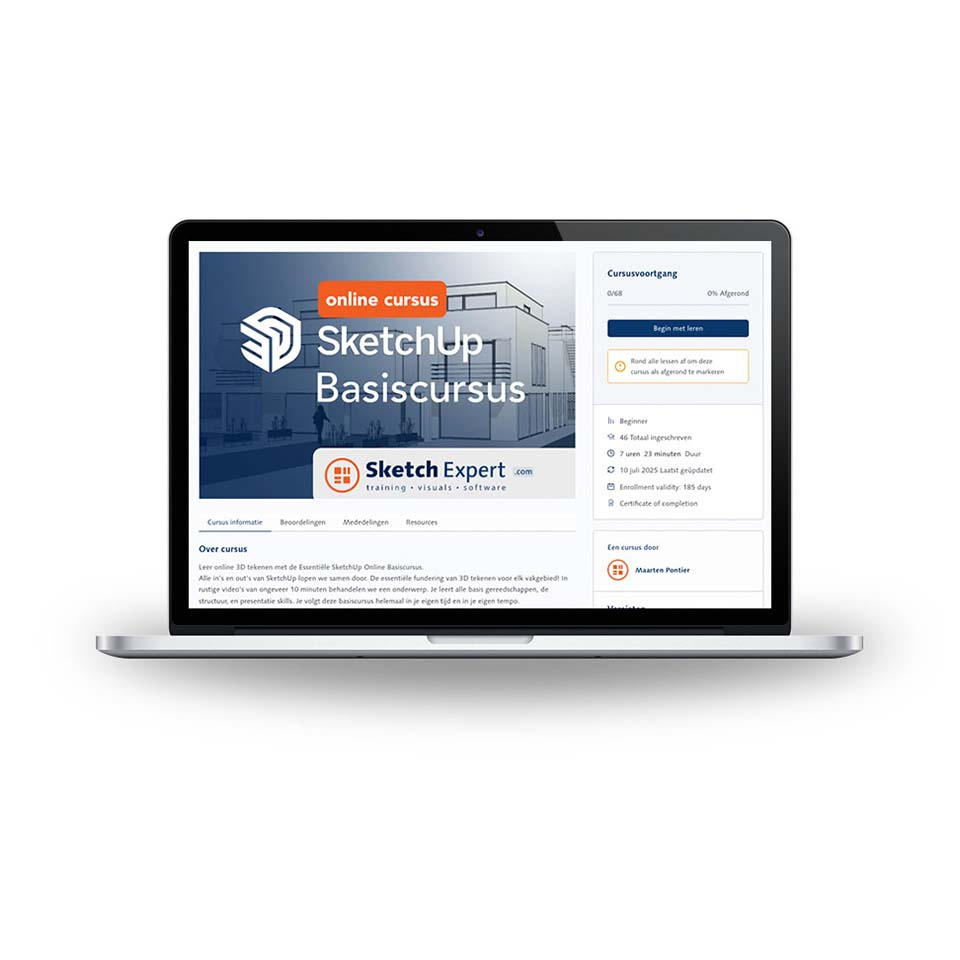
In this SketchUp Basic Course, you’ll learn step by step how to build, structure, and present professional 3D models. You’ll be introduced to all the essential tools, from basic shapes and push-pull to groups, components, and tags. At the same time, you’ll discover how to keep your model organized using scenes, styles, and cross-sections, so your designs always look polished.
What you’ll get:
- 6 months of 24/7 access to clear instructional videos
- Hands-on exercises based on the daily workflows of a SketchUp Authorized Trainer
- A complete final project with animation and a well-organized presentation of your own design
Pros and cons:
✓ You learn at your own pace thanks to 24/7 online access.
✓ A hands-on approach led by a certified SketchUp trainer.
✓ Suitable for both professionals and students in various fields.
✘ There is no direct live support during the course.
More Information
| Media | Online service |
|---|---|
| Brand | SketchExpert |
| Language | Dutch |
| Available for: | Employee, Student |
| Cooling-off period | This product is available exclusively in digital format. When placing your order, we ask that you explicitly consent to immediate delivery. Once delivery has begun, your statutory right of withdrawal expires. You will no longer be able to cancel the order after that (Article 6:230p of the Dutch Civil Code). |
Instructions
To gain access, first enter the voucher code you received with your order. Then, simply enter your first name, last name, and email address in the link we’ll send you. You’ll then receive an email that will allow you to create a password. This is convenient because it gives you immediate access without having to type in your password every time.
