
SketchUp Course (3D Drawing)
In stock
-
Description
-
More Information
-
Instructions
-
Before ordering
-
Reviews
Description
Learn 3D Design: Take the SketchUp Course
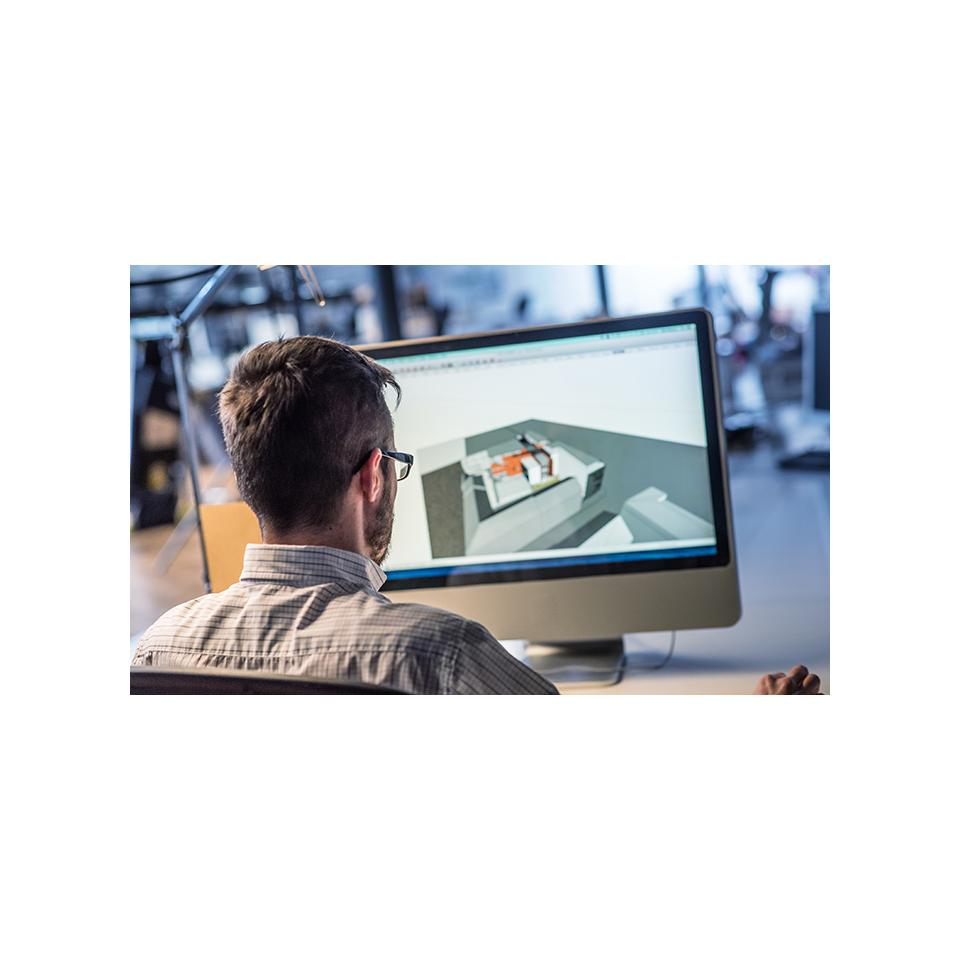
SketchUp is by far the most accessible and popular software package for three-dimensional design. It is indispensable for interior stylists, furniture makers, architects, landscape designers, and other designers. So if you want to pursue a career in these fields, knowledge of this program is essential. Do you want to learn how to professionally create 3D designs of homes or gardens, for example? With the SketchUp course, you’ll discover the endless possibilities of this unique design program.
Do you want to retrain as an interior designer or landscape architect? Do you want to work at a real estate agency or as a landscape designer? Then the powerful yet simple design program SketchUp is an indispensable skill to have on your resume. Numerous job postings specify that knowledge of this program is required. In short: a SketchUp course is the solution.
This course is also an excellent choice if you want to work as a freelancer in one of the professions mentioned above. In the SketchUp (3D Drawing) course, you’ll learn how to use this program.
Here’s how studying at NHA works
What will you learn?
User-friendly, powerful, and free
The starting point of the SketchUp (3D Drawing) course is its user-friendliness. Unlike AutoCAD, SketchUp is suitable for both professionals and beginners. You’ll start the SketchUp (3D Drawing) course by creating an account for the SketchUp Free software. This software runs in your browser, so you don’t need to install it first.
The Pencil Principle
SketchUp’s principle is based on the good old pencil. After all, with a pencil you can draw freely in both 2D and 3D. So you can do the same with SketchUp! As you draw, you’ll get immediate help from the smart drawing assistant. We’ll explain the drawing tools and show you how to draw a brick house with windows and a tiled roof.
The Basics
With the SketchUp (3D Drawing) course, you can easily draw standard components—such as a table, a bedroom, or even an apartment building or museum—and then save them. You can also import the saved files into AutoCAD. You’ll also learn how to easily turn a static component into a dynamic one by adding all kinds of information to it. For example, you can add variety to a piece of furniture by using different colors and sizes.
Experiment with your own designs using the Push-Pull technique by stretching or compressing surfaces. Or use FollowMe, which lets you drag a component’s surface in three dimensions along any contour or plane.
From a Basic Interior to a Comprehensive Museum
Once you’ve mastered the basics of the course, we’ll get to work drawing a basic interior and even an entire museum gallery filled with paintings. By the end, you’ll be able to draw an interior like a pro.
Presentation
Finally, we’ll teach you how to present your SketchUp model in a video. Select all the views you want to include and turn them into “scenes.” This way, you’ll “fly” seamlessly from one view to the next.
By the end of the SketchUp (3D Drawing) course, you’ll be able to professionally visualize designs for a home or garden.
Pass more easily with Easy Learning®from NHA
An optimal set of tools, fully tailored to your specific program. These will help you reach your ultimate goal: successfully completing your self-study course!

Targeted guidance from subject matter experts
If you choose to study with support, you’re never on your own at NHA. Our experienced subject matter experts answer all your questions, provide clear explanations, and give you valuable feedback on your homework. This helps you reach your full potential.
Instant answers through our subject-specific support
In addition to your instructor, our smart assistant is also there for you. Ask your subject-specific questions at any time of day and receive a clear answer right away. That way, you can always keep moving forward with your studies without having to wait.
Q&A Sessions
Are you stuck or do you have a question about the course content? In your personal learning environment, you can quickly and easily ask your personal subject expert a question. You’ll receive an answer that helps you move forward. This way, you can study with confidence and ease.
Motivation Coach
Studying at your own pace is great, but sometimes you could use a little extra support. Our motivation coach encourages you, offers personalized tips, and helps you successfully complete your program.
Text-to-Speech
Prefer listening to reading? With the text-to-speech feature, you can have all study materials in the online learning environment read aloud to you. Ideal if you’re on the go, need visual support, or simply learn better through audio. This way, you can study in the way that suits you best.
More Information
| Media | Online service |
|---|---|
| Brand | NHA |
| Available for: | Employee, Student |
| Terms of use | |
| Course Duration | Average duration of study: 5 months |
Instructions
- Once your order has been processed, you will immediately receive a message from the NHA with access to your online learning environment (Plaza).
- Click “Activate your account” and set a password.
- You are now logged in to Plaza. Click “My Courses” to start your course.
- Do you have questions about your course? Go to “Contact NHA” or visit https://www.nha.nl/klantenservice.
Before ordering
Bij het veld ‘Geslacht’ kun je ervoor kiezen de optie ‘Zeg ik liever niet’ te selecteren, let erop dat dan op een diploma niet ‘Heer’ of ‘Mevrouw’ komt te staan maar je volledige voornaam.
