
Sibelius Ultimate - Education
In stock
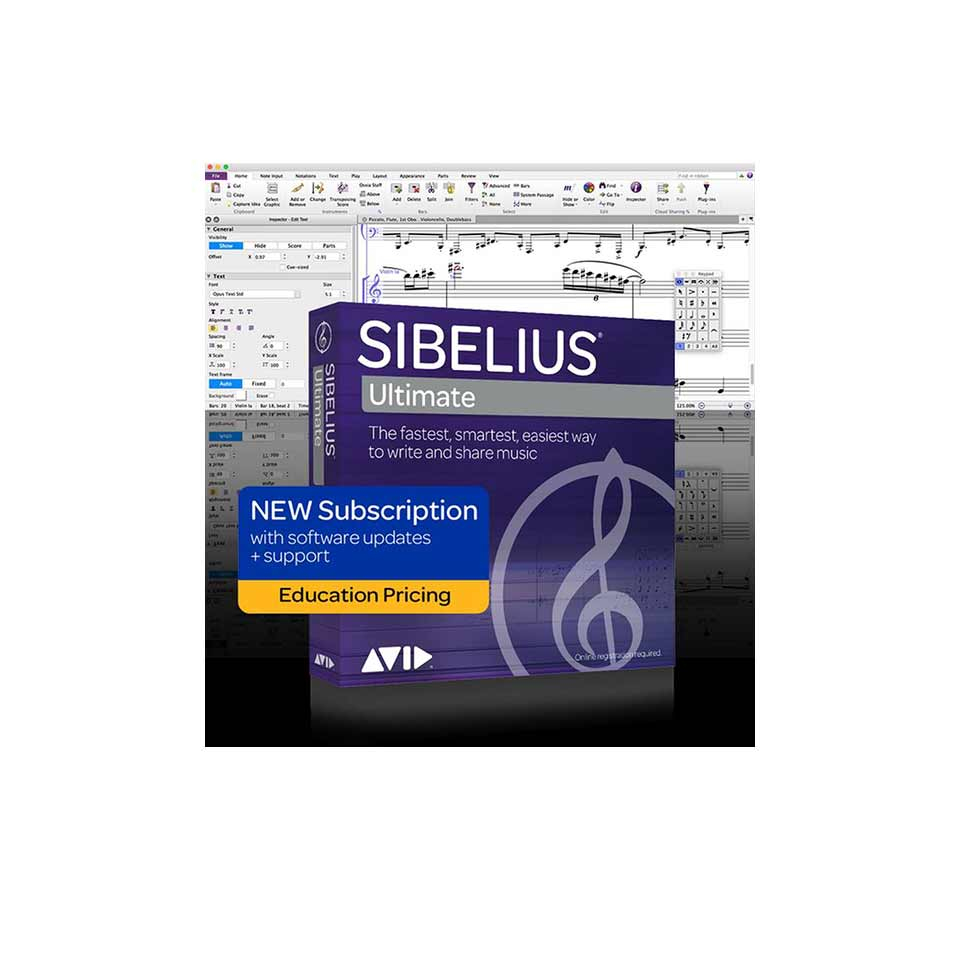
Please note: To activate Sibelius Ultimate, you must provide proof that you are a student or employee at an educational institution. Read Avid's terms and conditions here >>
-
Description
-
More Information
-
Instructions
-
Systemrequirements
-
Reviews
Description
Quick Overview
- Operating System: Windows/macOS
- Available for: Employees/Students
- Type: Download
- License: 1 device
Key features of Sibelius Ultimate:
- Music notation software.
- Write directly as musical notation, or use your voice, keyboard, or guitar to enter notes.
- Save time with Magnetic Layout and Dynamic Parts.
- Choose from over 150 plug-ins that let you edit, arrange, and clean up layouts.
- Choose between a 1-year license or a perpetual license
Student or educational institution staff verification
The Sibelius Ultimate license is an educational version and is provided by Avid. To activate the license, you must prove that you are a student or staff member of an educational institution. The video below explains how to do this:
What is Sibelius Ultimate?
With Sibelius Ultimate software, you can easily write musical notation. This software is very popular and is used by professional composers and musicians. Sibelius is therefore ideal if you are studying or teaching at a conservatory or in another music-related program. Check out the features of Sibelius in this video:
More Information
| Media | Download |
|---|---|
| Brand | Hal Leonard |
| Bit version | 64-bit |
| Language | English |
| Terms of use | |
| Available for: | Employee, Student |
| Cooling-off period | This product is available exclusively in digital format. When placing your order, we ask that you explicitly consent to immediate delivery. Once delivery has begun, your statutory right of withdrawal expires. You can no longer cancel the order after that (Article 6:230p of the Dutch Civil Code). |
Instructions
You can download the product as follows: go to www.surfspot.nl and click on "My SURFspot" -> "Orders"; the product will be available there. Click "Download" to download the product. The license code is listed under “Show license code.”
To activate it, follow the steps on this page .
Systemrequirements
Minimum Requirements for Sibelius Ultimate Software Only
Windows
- 64-bit Windows 7 (SP1 or later), Windows 8.1 (not Windows RT), or Windows 10
- 1+ GB of RAM
- 1 GB of hard disk space for Sibelius software only
- Internet connection required for software download and activation
Mac
- macOS 10.12 or 10.13, 10.14, 10.15
- 1+ GB of RAM 1 GB of hard disk space for Sibelius software only; 36 GB of additional hard disk space for the Sibelius Sounds library (optional installation)
- NOTE: The following storage device formats are not supported
- APFS (Case-sensitive)
- APFS (Case-sensitive, Encrypted)
- Mac OS Extended (Case-sensitive, Journaled)
- Mac OS Extended (Case-sensitive, Journaled, Encrypted)
- Internet connection required for software download and activation
Recommendations for the Sibelius Sounds library*:
Windows
- 4+ GB of RAM
- 36 GB of hard disk space (SSD preferred)
- ASIO-compatible audio interface or sound card
Mac
- 4+ GB of RAM
- 36 GB of hard disk space (SSD preferred)
- NOTE: The following storage device formats are not supported
- APFS (Case-sensitive)
- APFS (Case-sensitive, Encrypted)
- Mac OS Extended (Case-sensitive, Journaled)
- Mac OS Extended (Case-sensitive, Journaled, Encrypted)
- Using third-party virtual instruments or hardware MIDI playback devices with Sibelius:
- If you have a virtual instrument or hardware MIDI playback device that you wish to use, please check to see if a compatible sound set is available. See the list of sound sets included with Sibelius.
*You can use Sibelius Sounds if your computer does not meet the recommended requirements, but you may find that you cannot use as many sounds simultaneously, and that sounds take a long time to load.
