
Pro Tools - Education
In stock
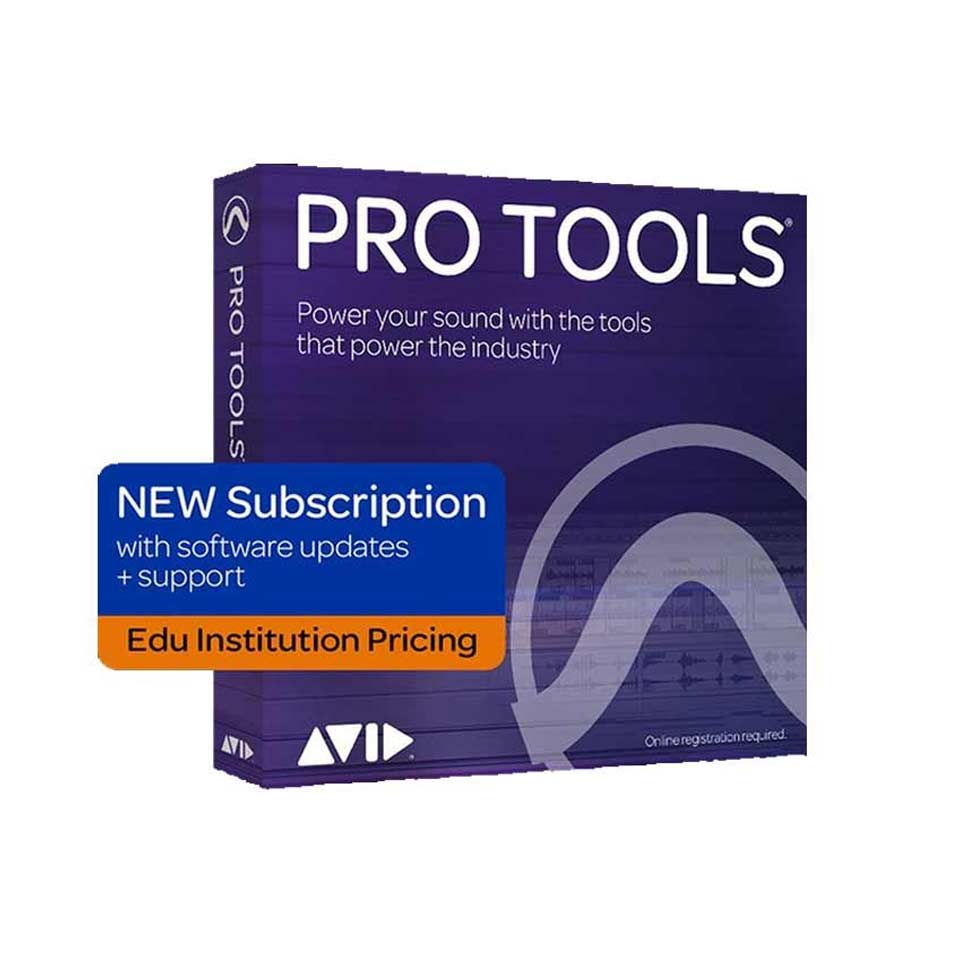
Please note: To activate Pro Tools, you must provide proof that you are a student or employee at an educational institution. Read Avid's terms and conditions here >>
-
Description
-
More Information
-
Instructions
-
Systemrequirements
-
Reviews
Description
Quick Overview
- Operating System: Windows/macOS
- Available for: Staff/Student
- Type: Download
- License: 1 year
- Version: Studio for EDU
Key features of Pro Tools
- Software for composing, recording, editing, and mixing audio and music.
- Educational version, specifically for teachers and students.
- Professional software commonly used by musicians, producers, and technicians in the TV and film industries.
Verification as a student or employee of an educational institution
The Pro Tools license is an educational version and is provided by Avid. To activate the license, you must prove that you are a student or staff member of an educational institution. The video below explains how to do this:
What is Pro Tools?
Pro Tools is highly professional audio editing software. The software includes new MIDI features that take its user-friendliness to the next level. You can immediately bring all your creative ideas to life in the program. Record audio and add it to your sample. Pro Tools includes various effects and instruments that let you get started right away.
What is Pro Tools used for?
Pro Tools software is widely used in the music, TV, and film industries. Pro Tools is ideal for producing audio to accompany moving images. As a result, Pro Tools is frequently used in film and music production programs. Watch the video to get a feel for the software.
More Information
| Media | Download |
|---|---|
| Brand | Hal Leonard |
| Bit version | 64-bit |
| Language | English |
| Terms of use | |
| Available for: | Employee, Student |
| Cooling-off period | This product is available exclusively in digital format. When placing your order, we ask that you explicitly consent to immediate delivery. Once delivery has begun, your statutory right of withdrawal expires. You can no longer cancel the order after that (Article 6:230p of the Dutch Civil Code). |
Instructions
You can download the product as follows. Go to www.surfspot.nl. Click on "My SURFspot" > "Orders"; the product will be waiting there. Click "Download" to download the product. The license code is listed under "Show license code."
Systemrequirements
Mac:
- Intel® Mac running macOS 10.13.6, 10.14.6, 10.15.3, or 10.15.5 (please see the version-specific requirements in the macOS Compatibility Grid below; confirm that your other software is compatible with macOS Catalina before upgrading—see this article for more information)
- Intel® Core i5 or i7 processor
- 16GB of RAM (32GB or more recommended)
- Internet connection for installation
- 15GB of free disk space for installing the software
- PCIe slot for HDX or HD Native card (including one power connection on the motherboard) Thunderbolt port for a compatible PCIe chassis or HD Native Thunderbolt
- USB port, FireWire port, or Thunderbolt port for a CoreAudio-supported audio device
- Click here for more information
Windows
- Intel® PC with Windows 10 Home, Pro, and Enterprise 64-bit editions
- Windows 10 for Workstations supported on machines equipped with Intel® Xeon processors
- Pro Tools—Intel® Core i5 processor, Intel® Core i9, or Intel® Xeon processor
- 16GB of RAM (32GB or more recommended)
- Internet connection required for software installation
- 15 GB of free disk space for software installation
- PCIe slot for HDX or HD Native card (including one power connection on the motherboard)
- USB port, FireWire port for ASIO-supported audio device
- Compatible NVIDIA graphics card
- Click here for more information
