
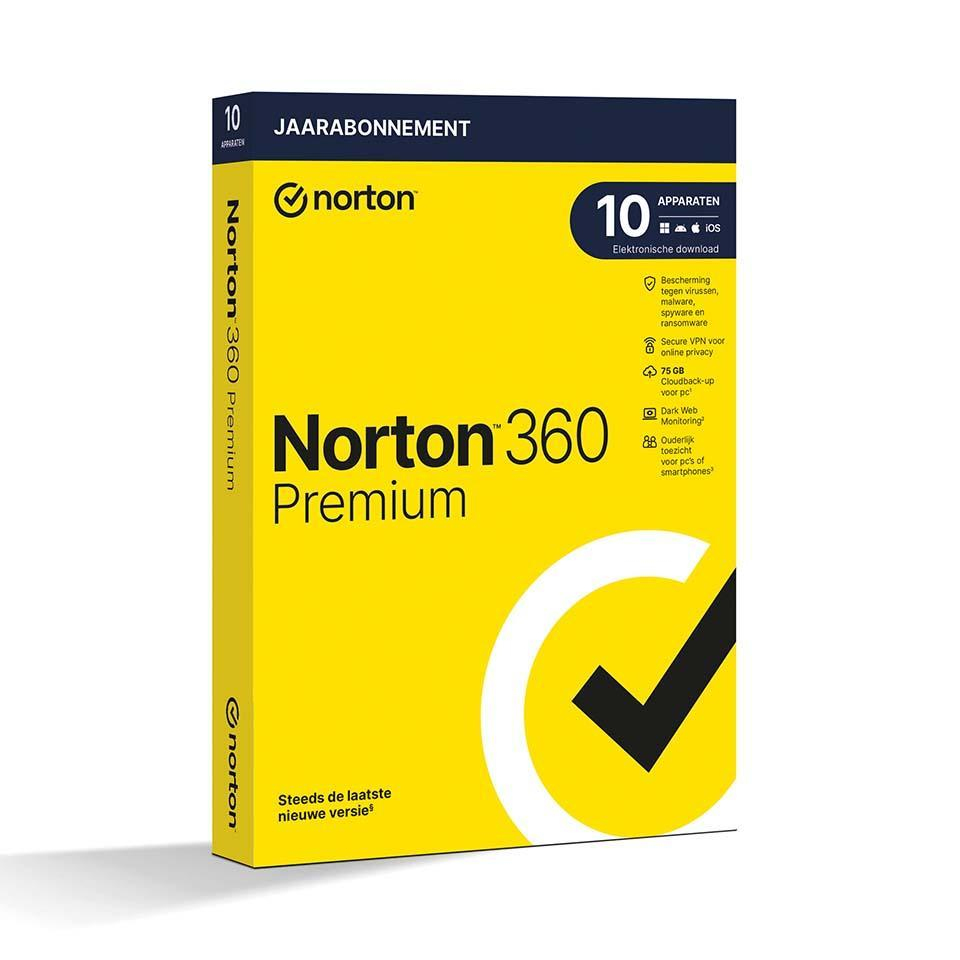
Norton 360 Premium - includes VPN, backup, and password manager
In stock
-
Description
-
More Information
-
Instructions
-
Systemrequirements
-
Manuals
-
Reviews
Description
Quick overview:
- Operating system: Windows, macOS, Android, iOS
- Type: Download
- Available for: Employee/Student
- License: 1 year
- Version: Premium Edition
Norton 360 Premium - Advanced Protection for 10 Devices
Norton 360 Premium offers comprehensive protection against viruses, malware, and ransomware. Protect up to 10 devices with features such as a VPN, password manager, and cloud backup—ideal for families and small businesses.
Key Features:
- Protection for 10 devices: Protect your PC, Mac, smartphone, or tablet against cyber threats.
- Device Security: Protection against ransomware, spyware, phishing, and other threats.
- Secure VPN: Ensures secure and anonymous internet connections with encryption of banking information.
- Password Manager: Securely manage your passwords and other personal information.
- Cloud Backup (75 GB) for PC: Protect important files from data loss (available for Windows only).
- Safecam for PC: Prevents unauthorized access to your webcam (Windows only).
- Parental Controls: Manage your children’s online activities (not supported on Mac).
- Dark Web Monitoring: Scans the dark web for personal data and alerts you if any is found.
- Firewall for PC and Mac: Blocks unauthorized access and monitors network traffic.
Pros and Cons:
✓ Complete protection for 10 devices.
✓ Includes VPN and Dark Web Monitoring.
✘ Parental controls and Safecam are not available on Mac.
More Information
| Media | Download |
|---|---|
| Brand | Norton (Symantec) |
| Bit version | 32-bit and 64-bit |
| Language | Dutch |
| Special conditions | To use the Norton software offered by SURFspot, you must activate it in the Netherlands. It is not possible to activate the software while abroad. |
| Terms of use | |
| Cooling-off period | This product is available exclusively in digital format. When placing your order, we ask you to explicitly consent to immediate delivery. Once delivery has begun, your statutory right of withdrawal expires. You can no longer cancel the order after that (Article 6:230p of the Dutch Civil Code). |
Instructions
- Order Norton through SURFspot. Click "Download" next to your order.
- Create an account with Norton.
- Activate your license using the license code. You can find this in your account under "Show License Code."
Systemrequirements
Windows
Operating Systems
- Microsoft Windows 11/10 (all versions)
- Microsoft Windows 11 in S Mode with ARM processors
- Microsoft Windows 10 in S Mode (32-bit, 64-bit, or ARM32) version 1803 and later
- Microsoft Windows 8/8.1 (all versions). Some security features are not available in browsers on the Windows 8 Start screen.
- Microsoft Windows 7 (32-bit and 64-bit) with Service Pack 1 (SP 1) or later with SHA2 support
Hardware
- For Windows 11/10/8/Vista: 1 GHz
- For Windows 11/10: 2 GB (at least 512 MB of RAM required for the Recovery Tool). For Windows 8/7: 1 GB (32-bit) or 2 GB (64-bit) (a minimum of 512 MB of RAM is required for the Recovery Tool).
- 300 MB of available disk space
Supported browsers
- Mozilla Firefox (32-bit and 64-bit)
- Google Chrome (32-bit and 64-bit)
- Microsoft Edge
Email services
- Norton 360 supports email scanning on all email services that are compatible with POP3 and SMTP.
- The following email service is supported for antispam: Microsoft Outlook 2003 and later
macOS
- Mac OS X 10.10.x or later for a Norton product version 8.0 or later.
- Norton Family parental controls and Cloud Backup are not currently supported on Mac OS.
Hardware
- Mac computer with an Intel Core 2 Duo, Core i3, Core i5, Core i7, or Xeon processor
- 2 GB of RAM
- 300 MB of available disk space
- Internet connection required for LiveUpdate
Supported browsers
- Safari
- Mozilla Firefox
- Google Chrome
Android
- Android 8.0 or later
- Google Play must be installed.
- Multi-user mode is not supported.
- ColorOS 7.1 or later
- Google Play must be installed.
iOS
-
iPhones or iPads running the current version and the two previous versions of Apple iOS
For more information about Norton 360 system requirements, click here.
Manuals

