
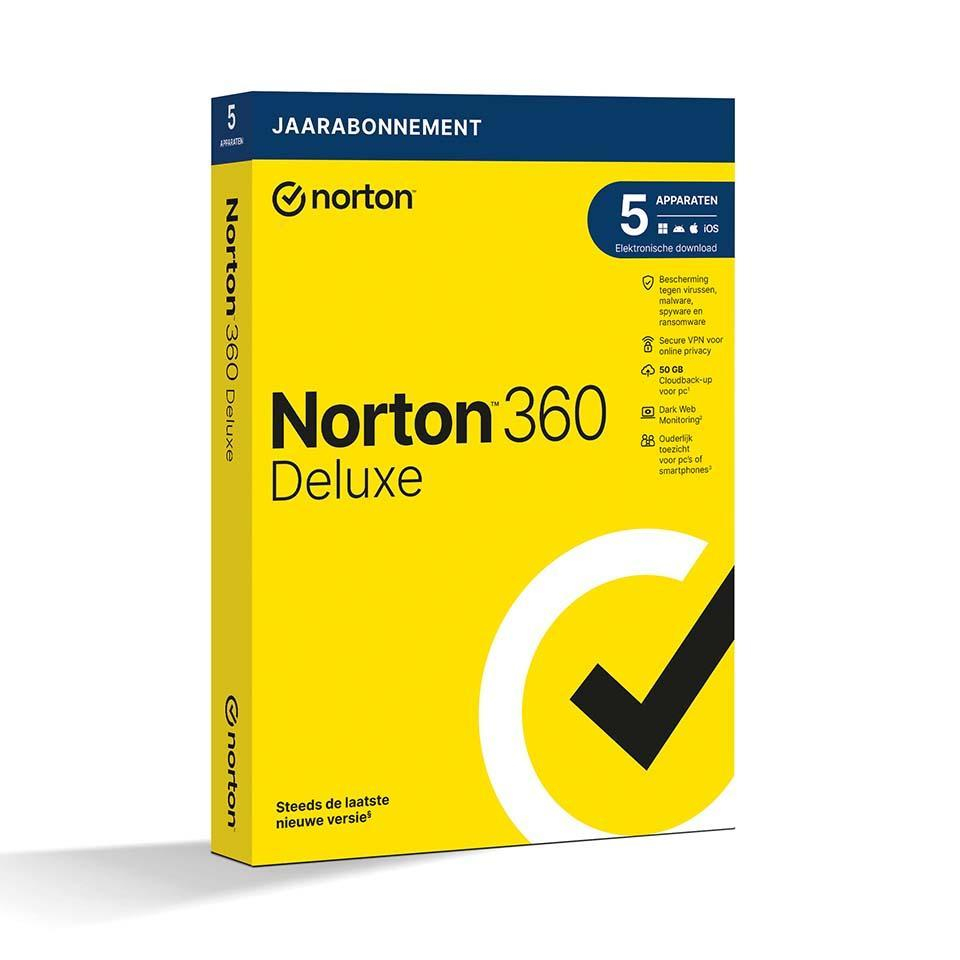
Norton 360 Deluxe - includes VPN, backup, and password manager
In stock
-
Description
-
More Information
-
Instructions
-
Systemrequirements
-
Manuals
-
Reviews
Description
Quick overview:
- Operating system: Windows, macOS, Android, iOS
- Type: Download
- Available for: Employee/Student
- License: 1 year
- Version: Deluxe Edition
Norton 360 Deluxe - Complete Protection for 5 Devices
Protect all your devices and your online privacy with Norton 360 Deluxe. This all-in-one security solution offers protection against viruses, malware, ransomware, phishing, and other online threats. The software is easy to install and offers comprehensive security features, including a VPN, password manager, and cloud backup.
Key Features:
- Protection for 5 Devices: Secure your PC, Mac, smartphone, and tablet against all types of cyber threats. Suitable for one user.
- Device Security: Protects against ransomware, spyware, phishing, and other online threats. Ideal for secure online shopping and sharing personal information.
- Secure VPN: Encrypt your internet connection, whether at home or on the go, and protect your IP address from hackers.
- Dark Web Monitoring: Scans the dark web and private forums for personal information such as email addresses and credit card details. Receive an alert if your information is found.
- Parental Controls: Keep your children safe online with parental control tools (not supported on Mac).
- Password Manager: Manage all your passwords, credit card information, and other personal details securely and easily.
- Cloud Backup (50 GB) for PC: Store important files securely in the cloud and protect them against data loss, disk issues, and ransomware (available only for Windows devices).
- Safecam for PC: Protect your webcam from unauthorized access and receive instant notifications of suspicious activity (Windows only).
- Firewall for PC and Mac: Blocks unauthorized access and monitors your device’s communication with other networks.
Pros and cons:
✓ Protects against viruses, malware, ransomware, and other cyber threats.
✓ Includes Secure VPN to encrypt your internet connection.
✓ Easy to install and user-friendly.
✘ Parental controls not supported on Mac.
✘ Cloud backup and Safecam are only available for Windows devices.
More Information
| Media | Download |
|---|---|
| Brand | Norton (Symantec) |
| Bit version | 32-bit and 64-bit |
| Language | Dutch |
| Special conditions | To use the Norton software offered by SURFspot, you must activate the software in the Netherlands. It is not possible to activate the software while abroad. |
| Terms of use |
Instructions
- Order Norton through SURFspot. Click "Download" next to your order.
- Create an account with Norton.
- Activate your license using the license code. You can find this in your account under "Show License Code."
Systemrequirements
Windows
Operating Systems
- Microsoft Windows 11/10 (all versions)
- Microsoft Windows 11 in S Mode with ARM processors
- Microsoft Windows 10 in S mode (32-bit, 64-bit, or ARM32) version 1803 and later
- Microsoft Windows 8/8.1 (all versions). Some security features are not available in browsers on the Windows 8 Start screen.
- Microsoft Windows 7 (32-bit and 64-bit) with Service Pack 1 (SP 1) or later with SHA2 support
Hardware
- For Windows 11/10/8/Vista: 1 GHz
- For Windows 11/10: 2 GB (at least 512 MB of RAM required for the Recovery Tool). For Windows 8/7: 1 GB (32-bit) or 2 GB (64-bit) (minimum 512 MB RAM required for the Recovery Tool).
- 300MB of available disk space
Supported browsers
- Mozilla Firefox (32-bit and 64-bit)
- Google Chrome (32-bit and 64-bit)
- Microsoft Edge
Email services
- Norton 360 supports email scanning on all email services that are compatible with POP3 and SMTP.
- The following email service is supported for antispam: Microsoft Outlook 2003 and later
macOS
- Mac OS X 10.10.x or later for a Norton product version 8.0 or later.
- Norton Family parental controls and Cloud Backup are not currently supported on Mac OS.
Hardware
- Mac computer with an Intel Core 2 Duo, Core i3, Core i5, Core i7, or Xeon processor)
- 2 GB of RAM
- 300MB of available disk space
- Internet connection required for LiveUpdate
Supported browsers
- Safari
- Mozilla Firefox
- Google Chrome
Android
- Android 8.0 or higher
- Google Play must be installed.
- Multi-user mode is not supported.
- ColorOS 7.1 or higher
- Google Play must be installed.
iOS
-
iPhones or iPads running the current and two previous versions of Apple iOS
For more information about Norton 360 system requirements, see here.
Manuals

