
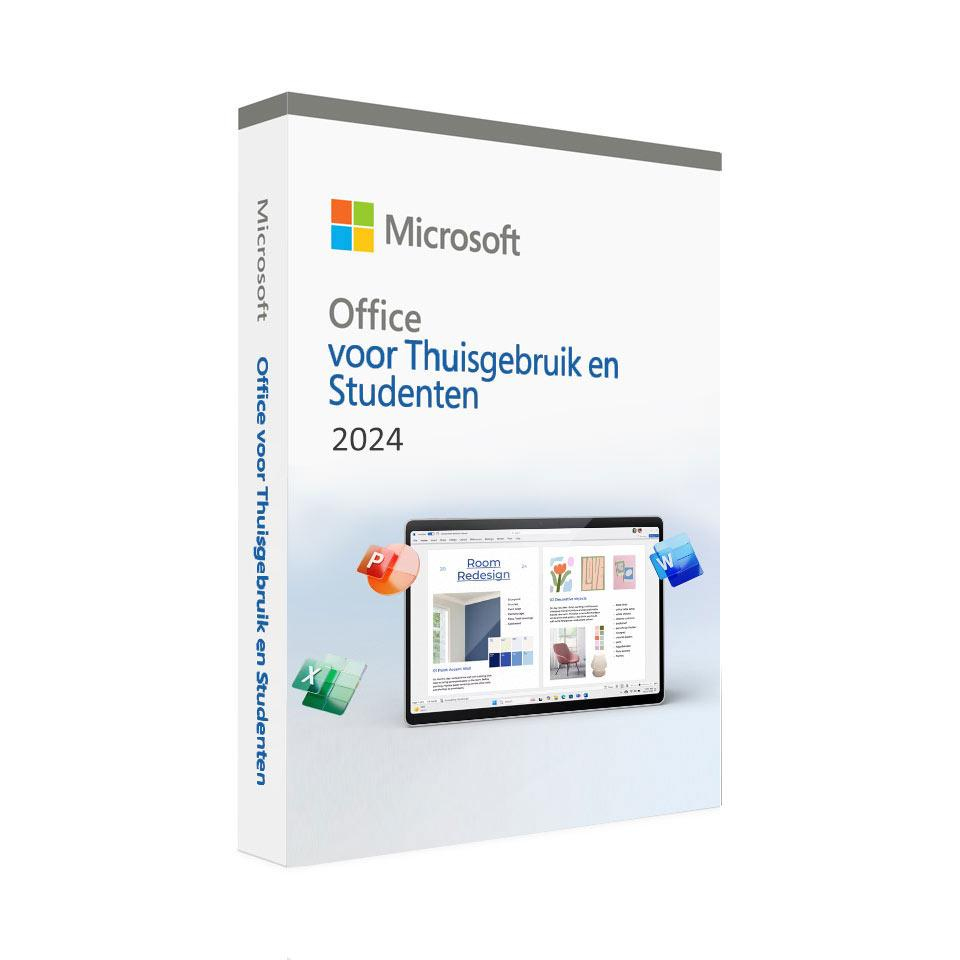
Microsoft Office for Home and Students 2024
In stock
-
Description
-
More Information
-
Instructions
-
Systemrequirements
-
Manuals
-
Reviews
Description
Quick overview:
- Operating system: Windows/macOS
- Available for: Employee/Student
- Type: Download
- License: One-time purchase for one device
Microsoft Office 2024: Work more efficiently and smarter
Microsoft Office for Home and Students 2024 not only offers familiar apps like Word, Excel, and PowerPoint, but also introduces new features that help you work faster and more effectively. Whether you’re writing an essay, analyzing data, or preparing a presentation, Office 2024 supports you in every aspect of your studies or home office work.
Discover the new features
Microsoft Office 2024 introduces several new features to enhance the user experience. Word 2024 includes a session recovery option for when the program closes unexpectedly, and collaboration has been improved with the ability to easily switch between view, review, and edit modes, and to remove all resolved comments at once. Excel 2024 introduces dynamic charts that automatically update when data in dynamic arrays changes, along with new functions for text manipulation and arrays. Additionally, speed and stability have been improved, especially when working with multiple workbooks. In PowerPoint 2024, you can use the Cameo feature to add live video to slides and use the Recording Studio to record presentations with voice and video.
One-time purchase, no subscription fees
With Microsoft Office for Home and Students 2024, you don’t have to worry about recurring subscription fees. You purchase the suite once, so you can always work on your projects without interruptions.
Microsoft Office for Home and Students 2024 includes the following programs:
- Word
- Excel
- PowerPoint
Please note:
- OneDrive and Outlook are not included.
- It is not possible to install the Microsoft Office suite on a Chromebook.
- The software can only be activated within the Eurozone using Microsoft accounts registered in the Eurozone.
- Microsoft Office for Home and Students 2024 via SURFspot does not provide access to the online versions of the applications.
- This product is linked to a Microsoft email address; we recommend that you activate the product using a personal email address.
More Information
| Media | Download |
|---|---|
| Brand | Microsoft |
| Language | Dutch |
| Special conditions |
|
| Terms of use | https://products.office.com/nl-nl/microsoft-software-license-agreement |
| Available for: | Employee, Student |
| Cooling-off period | This product is available exclusively in digital format. When placing your order, we ask you to explicitly consent to immediate delivery. Once delivery has begun, your statutory right of withdrawal expires. You can no longer cancel the order after that (Article 6:230p of the Dutch Civil Code). |
Instructions
Please note: Always provide a personal email address when activating your Microsoft license (for example, outlook.com or live.nl). You cannot link your Microsoft license to your educational institution’s email address.
- Order Microsoft Office on SURFspot. You will now receive an email at the email address you provided from noreply@activate-here.com. Click the link in this email.
- Log in to this portal using the username and password you received via email.
- Click “Claim your code” to activate the code.
- Now click “Install products” and click the download link.
- Sign in to Microsoft
- Download the software
For a smooth installation, you can follow the steps in our guide for PC or Mac .
Systemrequirements
PC or Mac
- Processor: Windows 11 or Windows 10 with a 1.6 GHz, 2-core processor / the 3 most recent versions of macOS
- Operating system: Windows 11 or Windows 10 for PC; macOS for Mac
- Memory: 4 GB (64-bit), 2 GB (32-bit) RAM for PC; 4 GB RAM for Mac
- Hard drive: 4 GB of available disk space for PC, 10 GB for Mac
- Display: 1024 x 768 resolution for PC, 1280 x 800 for Mac
- Graphics: DirectX 10 graphics card for hardware-accelerated graphics on PCs
- Additional system requirements:
- Internet access
- Microsoft account
For more information, see the Microsoft website.
Manuals


Customer Reviews
Wil je Office op meerdere device kunnen gebruiken, overweeg dan het abonnement model.
