
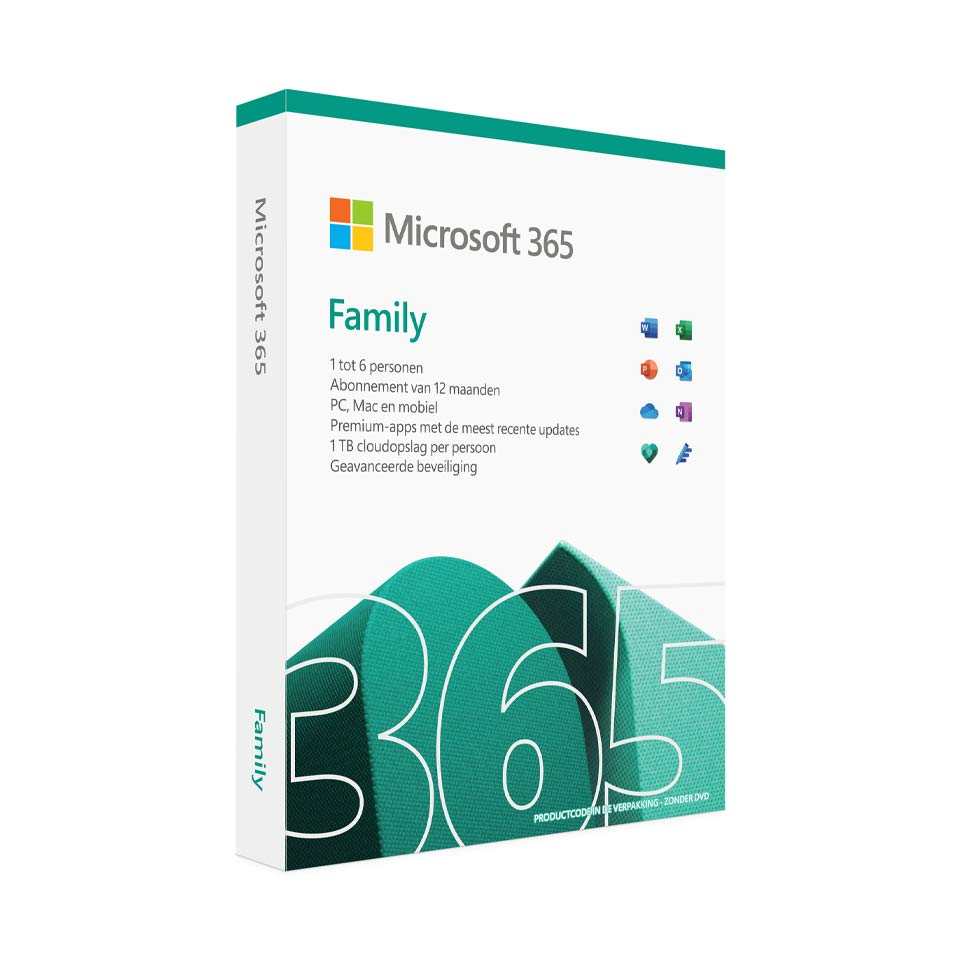
Microsoft 365 Family
In stock
-
Description
-
More Information
-
Instructions
-
Systemrequirements
-
Manuals
-
Reviews
Description
Quick overview:
- Operating system: Windows/macOS/iOS/Android
- Available for: Employee/Student
- Type: Download/Online
- License: 1 year for 5 devices
Powerful apps and smart technology in one package
With Microsoft 365 Family, up to six people get access to comprehensive productivity apps, cloud storage, and smart AI features. Programs such as Word, Excel, PowerPoint, and OneNote can be used both online and offline. The license can be installed on multiple devices per user.
Always have access to your files
Thanks to 1TB of OneDrive cloud storage, you can access your important files anytime, anywhere. Whether you’re working on your computer, tablet, or smartphone, you can securely store, sync, and share all your documents with others.
Advanced guidance on spelling, grammar, and writing
With Microsoft Editor, you get access to advanced language tools that help you improve your writing skills. Whether you’re drafting a professional document, writing an email, or preparing a presentation, Microsoft Editor offers intelligent suggestions for spelling, grammar, and writing style, ensuring your communication is clear and error-free.
Always up to date and secure
Regular updates and upgrades keep you up to date with the latest features and security patches. In addition, Microsoft Defender provides advanced security for your personal data and devices, while Outlook offers a secure, ad-free email experience.
New: Microsoft 365 Family now also includes Microsoft Copilot, which gives you 60 credits each month. These credits can be used to automate tasks, generate insights, or use other AI-powered features within Microsoft apps. Please note: unused credits do not roll over and are reset at the beginning of each month. For more information on using credits, see here.
Microsoft 365 Family includes the following programs:
- Word
- Excel
- PowerPoint
- Microsoft Defender
- OneDrive
- Outlook
- Microsoft Designer
- Clipchamp
- OneNote
- Copilot (60 credits)
- Access (PC only)
Please note:
- It is not possible to install the Microsoft 365 Family package on a Chromebook.
- The software can only be activated within the Eurozone using Microsoft accounts registered in the Eurozone.
- This product is linked to a Microsoft email address; we recommend that you activate the product using a personal email address.
More Information
| Media | Download |
|---|---|
| Brand | Microsoft |
| Language | Dutch |
| Special conditions |
|
| Terms of use | https://products.office.com/nl-nl/microsoft-software-license-agreement |
| Available for: | Employee, Student |
| Cooling-off period | This product is available exclusively in digital format. When placing your order, we ask you to explicitly consent to immediate delivery. Once delivery has begun, your statutory right of withdrawal expires. You can no longer cancel the order after that (Article 6:230p of the Dutch Civil Code). |
Instructions
Please note: Always provide a personal email address when activating your Microsoft license (for example, outlook.com or live.nl). You cannot link your Microsoft license to your educational institution’s email address.
- Order Microsoft 365 Personal on SURFspot. You will now receive an email at the address you provided from noreply@activate-here.com. Click the link in this email.
- Log in to this portal using the username and password you received via email.
- Click “Claim your code” to activate the code.
- Now click “Install products” and click the download link.
- Sign in to Microsoft
- Download the software
Share license:
- In your Microsoft account overview, go to “Subscriptions” and click “Share.”
- Choose whether you want to share the license via email or a link.
- The user you want to share the license with will now receive an invitation to join your family group.
- Once the invitation is accepted, the new member of your family group can install the Microsoft apps.
For a smooth installation, follow the steps in our guide . For more information about sharing the Microsoft 365 license, visit the Microsoft website.
Systemrequirements
PC
- Computer and processor: 1.6 gigahertz (GHz) or faster, dual-core
Operating system: Windows 11, Windows 10. For the best experience, use the latest version of any of the operating systems listed above. - Memory: 4 GB RAM, 2 GB RAM (32-bit)
- Hard Drive: 4.0 GB of available disk space
- Display: Screen resolution of 1280 x 768
- Graphics card: DirectX 9 or later is required for graphics hardware acceleration, with WDDM 2.0 or later for Windows 10 (or WDDM 1.3 or later for Windows 10 Fall Creators Update).
- .NET version: Some features also require .NET 3.5 or 4.6 or later to be installed
Mac
- Computer and processor: Intel processor
Operating system: The 3 most recent versions of macOS. For the best experience, use the latest versions of all operating systems described above. - Memory: 4 GB of RAM
- Hard Drive: 10 GB of available disk space. HFS+ hard drive format (also known as Mac OS Extended or APFS)
- Display: Screen resolution of 1280 x 800
- Graphics card: No graphics requirements
Android
- Computer and processor: ARM-based or Intel x86 processor
- Operating system: The last 4 major versions of Android. For the best experience, use the latest version of all operating systems described above.
- Memory: 1 GB
iOS
- Computer and processor: N/A
- Operating system: The 2 most recent versions of iOS. For the best experience, use the latest version of all operating systems described above.
For more information, see the Microsoft website.
Manuals

