
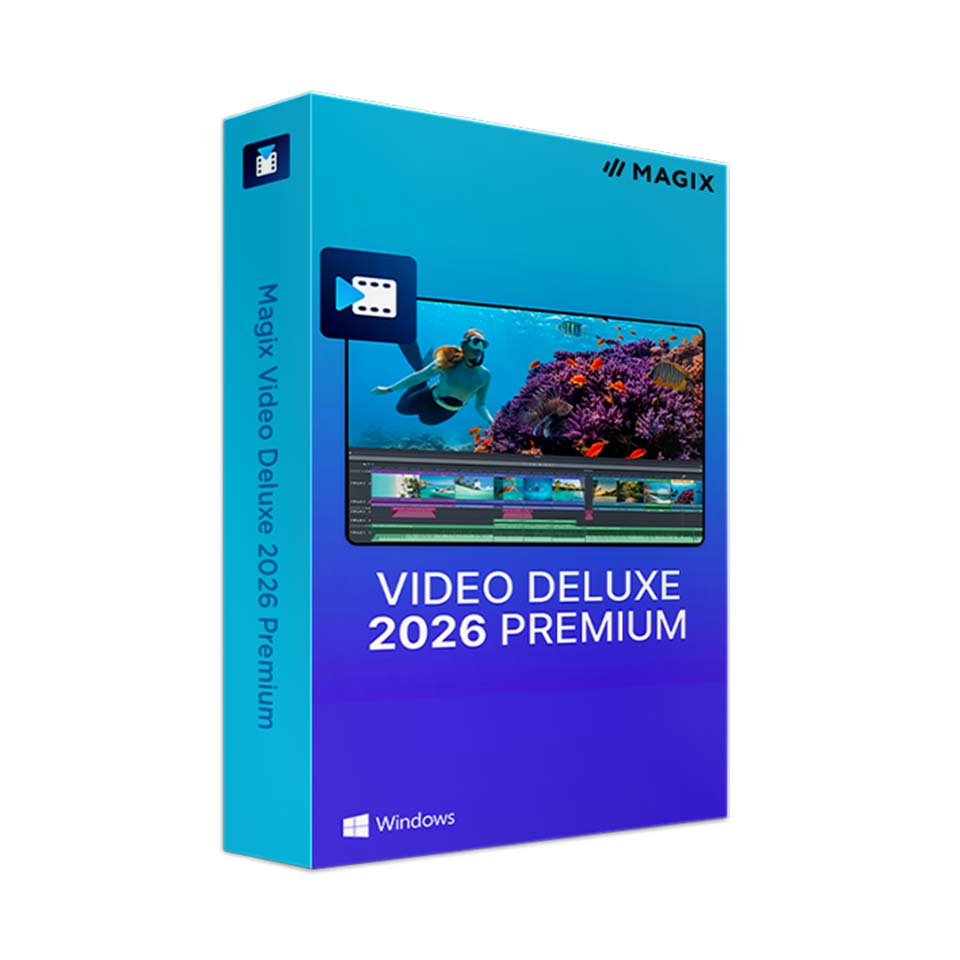
Magix Video Deluxe 2026 Premium
In stock
-
Description
-
More Information
-
Instructions
-
Systemrequirements
-
Manuals
-
Reviews
Description
Quick overview:
- Operating system: Windows 10/11 (64-bit)
- Available for: Employee/Student
- Type: Download
- License: 1 year
- Version: Deluxe 2026 Premium
MAGIX Video Deluxe 2026 Premium is the perfect choice for students and employees who want to get started with professional video editing without having to invest in expensive software packages right away. Thanks to powerful AI tools such as automatic subtitling, voice-over generation, and image stabilization, you can create impressive productions with just a few clicks. Whether you’re creating educational videos, social media content, or aftermovies , everything runs quickly, smoothly, and intuitively. Perfect for communication or AV students, content creators , or marketing professionals at educational institutions.
The new INFUSION Engine ensures lightning-fast exports, even with 4K footage. With hundreds of effects, plug-ins, and templates, you can create professional-looking content in no time. It’s also ideal for teachers who want to create their own instructional videos or students who want to design their own channel or internship project. You don’t need to be a seasoned editor—the interface is accessible, and the learning curve is surprisingly flat.
Pros and cons:
✓ Includes AI tools such as automatic subtitling and a text-to-speech generator.
✓ An accessible interface for beginners, yet powerful enough for advanced users.
✓ Suitable for 4K editing thanks to the improved INFUSION Engine.
✘ Available only for Windows; not compatible with macOS.
More Information
| Media | Download |
|---|---|
| Brand | Magix |
| Bit version | 64-bit |
| Language | Dutch |
| Special conditions | Licenses with a “one-time purchase” term do not have a fixed expiration date. You can continue to use the software as long as it functions properly and is supported by the vendor or your operating system. Unfortunately, once that support ends, we can no longer guarantee that the software will continue to function. |
| Terms of use | |
| Available for: | Employee, Student |
| Cooling-off period | This product is available exclusively in digital format. When placing your order, we ask that you explicitly consent to immediate delivery. Once delivery has begun, your statutory right of withdrawal expires. You will no longer be able to cancel the order after that (Article 6:230p of the Dutch Civil Code). |
Instructions
- Go to www.surfspot.nl. Click on "My SURFspot" -> "Orders"; the product will be waiting for you there.
- Click on "Download"; you will now be redirected to magix.com/redeem. Log in to the MAGIX Service Center.
- After logging in, enter your code in the field labeled “Voucher Code.” You can find this code in “My SURFspot” → “Orders” under “Show License Code.” Click “Proceed.”
- Download your MAGIX product.
- Log in with your MAGIX account and activate the software using the license code.
Systemrequirements
Minimum system requirements
- Processor: 2.4 GHz (dual-core or better)
- RAM: 4 GB RAM or more
- Graphics card: Minimum
- Intel HD Graphics 620 series or higher
Note: Older GPUs such as the Intel HD 520 no longer meet the minimum requirements for the 2026 version.
- NVIDIA GeForce RTX or GTX 1050 Ti or higher with at least 4 GB VRAM
- AMD/ATI Radeon with at least 4 GB of VRAM and VCE 3.0 or higher - Recommended for 4K editing
- Intel HD Graphics 630 series or higher
- NVIDIA GeForce RTX or GTX 1070 or higher with at least 8 GB of VRAM (recommended for 8K)
- AMD/ATI Radeon with at least 8 GB VRAM and VCE 3.0 or higher - Recommended for AI features
- NVIDIA GeForce RTX series (20xx or newer)
- AMD Radeon RX 5xxx series or newer - INFUSION Engine 3 supports video acceleration for AVC and HEVC via GPUs with 1 GB of VRAM or more, such as:
Intel Graphics HD 630
NVIDIA GeForce GTX 1050
AMD Radeon RX 470 - Storage: 2 GB of free disk space for installation
- Language: Dutch, English, German, Spanish, French, Italian
- Internet connection: Required for installation, registration, validation, and access to certain features
For the most up-to-date information and additional recommendations, visit the MAGIX website.
Manuals

