
Magix Music Maker 2025 Premium
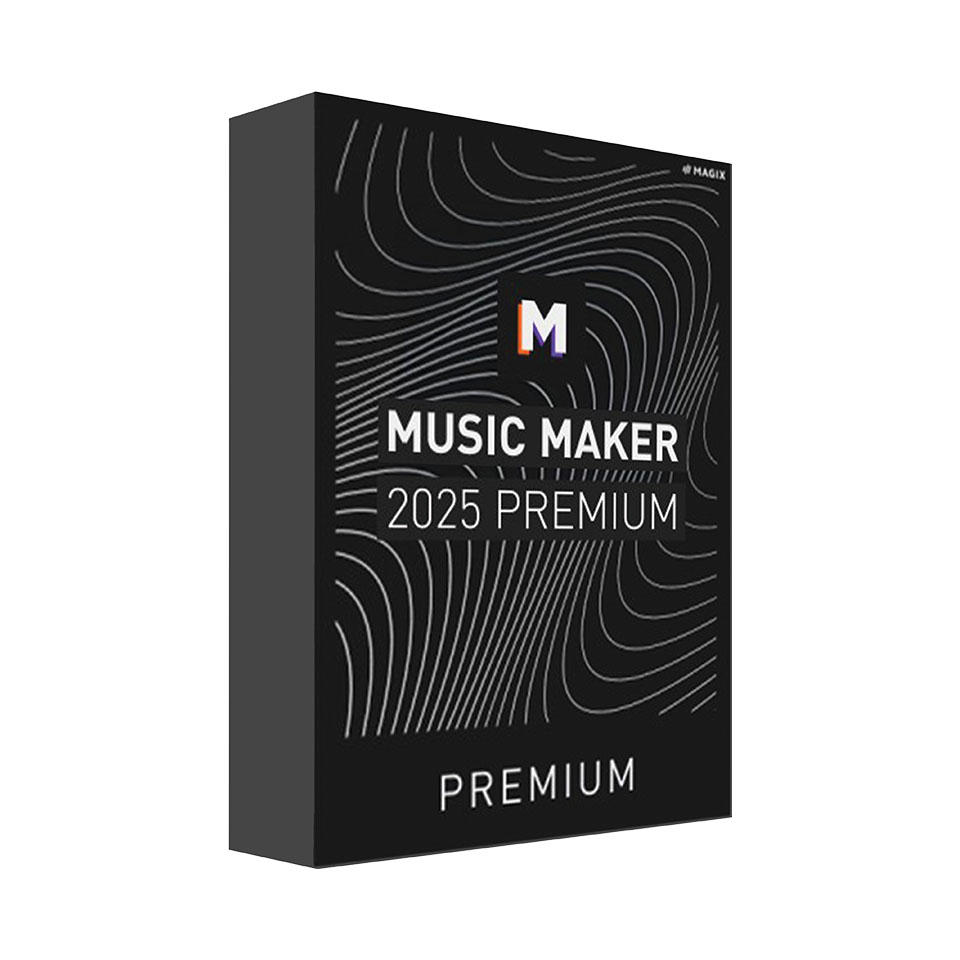
-
Description
-
More Information
-
Instructions
-
Systemrequirements
-
Reviews
✓ Suitable for both students and staff. Magix Music Maker 2025 Premium offers an innovative and versatile music production environment, ideal for students and staff who want to express their creativity. The revamped in-app store offers an extensive selection of sound pools, virtual instruments, and plugins, making it easier to create unique music tracks. With the new drag-and-drop system, you can easily apply and adjust effects, giving you full control over your mix. The software includes professional tools such as iZotope Ozone Elements 11 for advanced mastering, as well as a multimode filter and 3-band EQ for quick track editing. Thanks to seamless integration with external hardware and controllers, you can get started right away with your favorite gear. The user-friendly interface and intuitive controls make it accessible to both beginners and advanced users. Header 1 Magix Music Maker 2025 Premium is designed to make creative music production easier and more versatile. With a revamped in-app store, it offers a wide selection of soundpools, virtual instruments, and plugins to enrich your music. The new drag-and-drop system makes it easy to apply and fine-tune custom effects, giving you full control over your effects chain. The software features a multimode filter and a 3-band EQ for quick track editing, while professional mastering tools like iZotope Ozone Elements 11 ensure a high-quality finish. Suitable for both students and staff, the platform supports external hardware and controllers, allowing you to get started on your music projects right away. ✓ Suitable for both students and staff.
Description
Pros and cons:
✓ Support for external hardware and controllers.
✘ Available only for the Windows platform.
Magix Music Maker 2025
Quick Overview
Important!
This product may only be ordered using your personal email address! Quick Overview
Pros and Cons
✓ Support for external hardware and controllers.
✘ Available only for the Windows platform.
The cooling-off period does not apply to downloads; therefore, downloads cannot be canceled or returned. When placing your order, you agreed to waive your right of withdrawal. All products you purchase from SURFspot include sales tax and shipping costs.
More Information
Media Brand Bit version Language Terms of use Available for: Cooling-off period
Instructions
Installation and Activation
Please note: An Internet connection is required for registration, validation, and certain program features. The program requires a one-time registration.
Systemrequirements
