
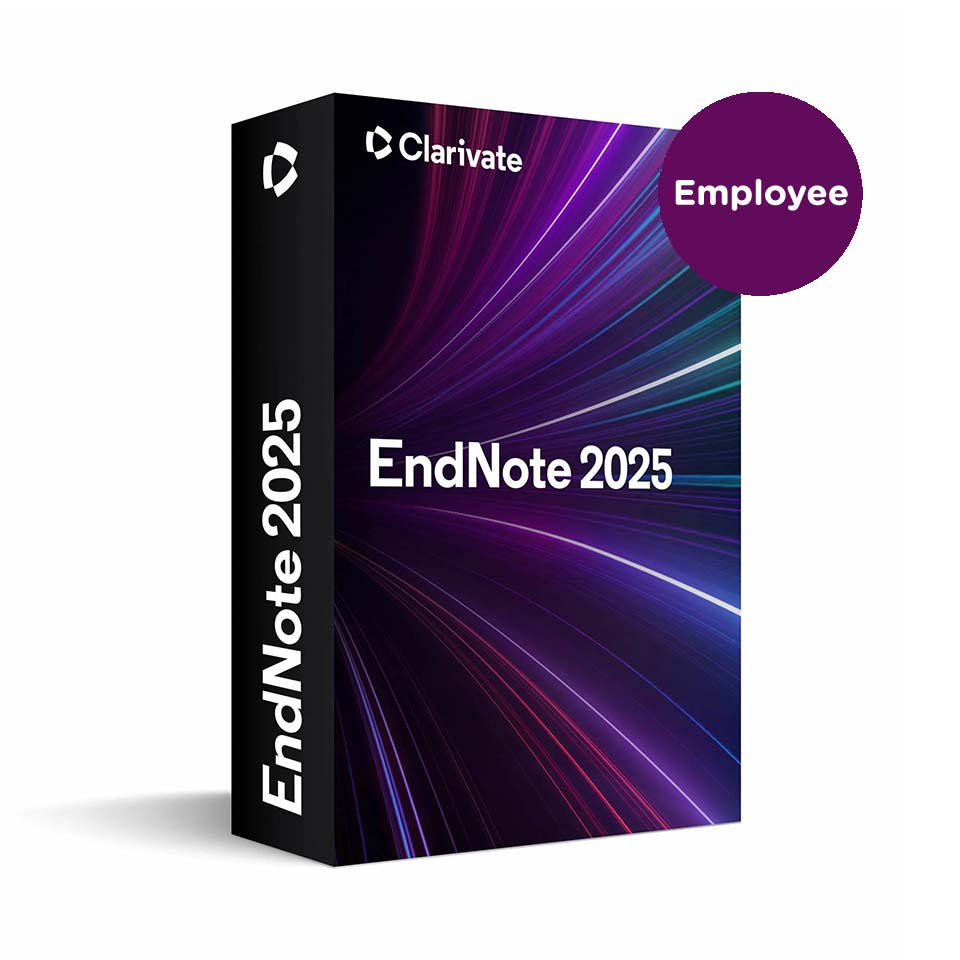
EndNote 2025 - Staff Member
In stock
-
Description
-
More Information
-
Instructions
-
Systemrequirements
-
Reviews
Description
Quick overview:
- Operating system: macOS/Windows
- Type: Download
- Available for: Employee
- License: Temporary usage rights
With EndNote 2025, you can work smarter in teaching and research.
This powerful software helps you manage references, collect literature, and collaborate within research teams. You can easily create citations and bibliographies, and thanks to the new AI tools, you can analyze publication information faster and organize your documents more efficiently.
New in 2025:
- AI features for faster literature research
- More comprehensive collaboration tools
- New citation formatting styles
Pros and cons:
✓ Useful features for collaboration and publication.
✓ Synchronization via desktop, cloud, and app.
✘ Available only to education professionals.
More Information
| Media | Download |
|---|---|
| Brand | DISC |
| Bit version | 32-bit and 64-bit |
| Special conditions |
|
| Terms of use | |
| Available for: | Employee |
| Cooling-off period | This product is available exclusively in digital format. When placing your order, we ask that you explicitly consent to immediate delivery. Once delivery has begun, your statutory right of withdrawal expires. You will no longer be able to cancel the order after that (Article 6:230p of the Dutch Civil Code). |
Instructions
The download link and license code have been saved for you in your SURFspot account so you can access this information at any time. To do so, go to www.surfspot.nl. Click on “My SURFspot” -> “Orders”; the product will be waiting there. Click “Download” to download the product. The license code is listed under “Show license code.”
Systemrequirements
Windows Compatibility and System Requirements
- Windows 10, 11
- 1 gigahertz (GHz) or faster x86-bit or x64-bit processor
- At least 600 MB of available hard disk space
- At least 2 GB of available RAM
Word processor software
- Microsoft Word [Cite While You Write] for Windows: 2010, 2013, 2016, 2019, 2021, and Office 365 (only the locally installed desktop version of Office 365)
- Apache OpenOffice [Cite While You Write] for Windows: 3.x, 4.x
- LibreOffice [Cite While You Write] for Windows: 4.x, 5.x, 6.x, 7.x (32-bit)
- Partner integration for Cite While You Write: Wolfram Mathematica® 8
Internet access is required to register for online access, search online databases, perform "find full text" (to locate full-text PDF articles), and automatically update references via "Find Reference Updates."
Macintosh Compatibility and System Requirements
- macOS 10.14, 10.15, 11, 12, 13, 14, 15
- Intel-based or Apple Silicon-based Macintosh
- At least 700MB of available hard disk space
- At least 2 GB of available RAM
EndNote: Big Sur Compatibility
NOTE: If you are using a Mac with the Apple M1 chip, please refer to the following article: EndNote: Apple M1 Chip Compatibility.
Word processor software
- Microsoft Word [Cite While You Write] for Macintosh: 2016, 2019, 2021, and Office 365 (locally installed desktop version of Office 365 only)
- Partner integration for Cite While You Write: Apple® Pages
- Partner integration for Cite While You Write: Wolfram Mathematica® 8
- Format Paper: Word processors that can save files as .rtf:
- Apple iWork Pages – versions 1, 2.x, 3.x, 4.x
- TextEdit – for supported macOS versions
- Apache OpenOffice – versions 1, 2.x, 3.x
- Nissus Writer – for supported macOS versions
- Mellel – versions 1, 2.x
- Format Paper: Word processors that can save files as .odt:
- Apache OpenOffice versions 1, 2.x, 3.x
Internet access is required to register for online access, search online databases, perform "find full text" (to locate full-text PDF articles), and automatically update references via "Find Reference Updates."
EndNote Online compatibility and requirements
Browser support for Web Application*
- Firefox® 27 or later
- Safari® 5.0 or later
- Chrome® 31 or later
Browser Support for Web Capture**
- Bookmarklet*
- Firefox 27 or later
- Safari 5.0 or later
- Chrome 31 or later
*Applies to both Macintosh and Windows browser versions
**Cookies and JavaScript must be enabled
Security Overview www.myendnoteweb.com
Network Compatibility and System Requirements
EndNote libraries can be accessed over a network—including networks with both Macintosh and Windows workstations. Multiple users on a network can simultaneously access an EndNote library in read-only mode to search for references, cite sources (Cite While You Write) in their MS Word documents (articles), and create bibliographies. EndNote does not allow multiple users to edit a single specific library simultaneously over the network. There are several ways to share an EndNote library or “groups”.
. For more information, see the EndNote website..
