
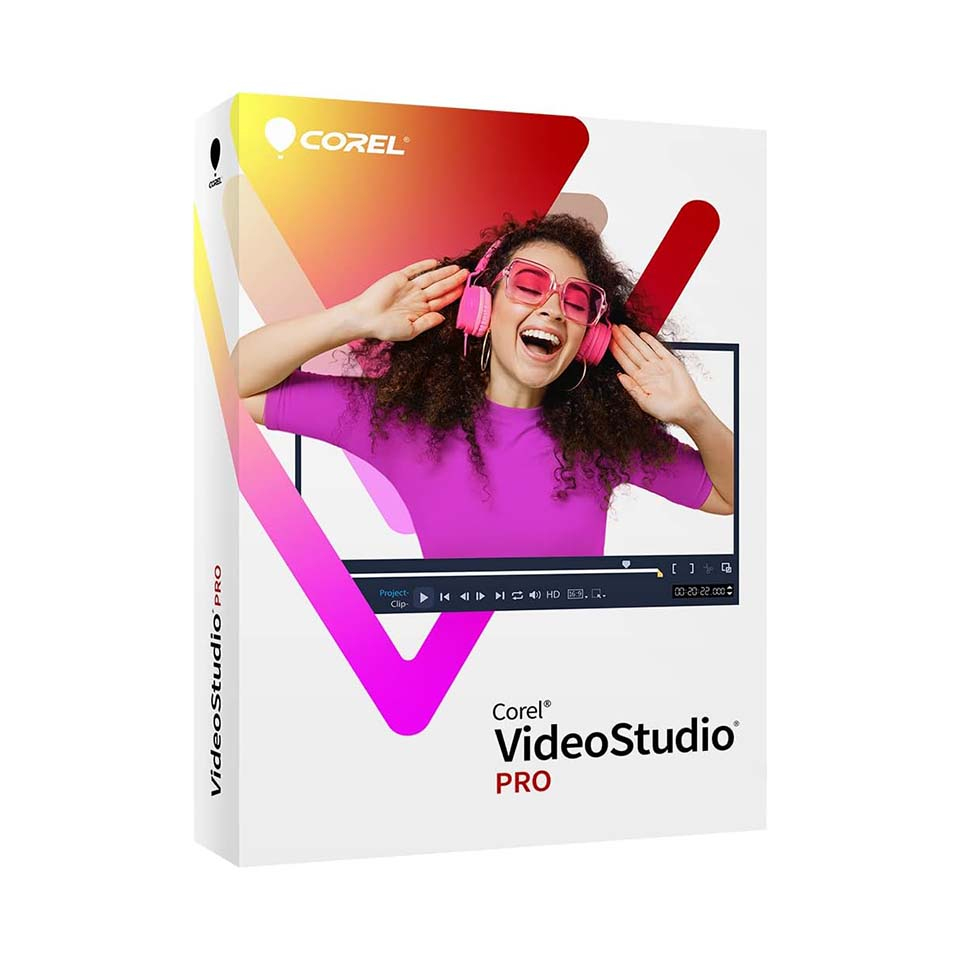
Corel VideoStudio Pro 2023
In stock
-
Description
-
More Information
-
Instructions
-
Systemrequirements
-
Reviews
Description
Quick overview:
- Operating system: Windows
- Type: Download
- Available for: Employee/Student
- License: Perpetual license
- Version: 2023
Create impressive videos and tell your story in a compelling way with Corel VideoStudio Pro 2023. This user-friendly video editing program is specially designed to help you express your creativity and create stunning videos, without any monthly license fees. With VideoStudio Pro 2023, you’ll enjoy a fixed price, an intuitive interface for both beginners and advanced users, and a wealth of free resources, tutorials, and a library of royalty-free music and sound effects to take your videos to a professional level.
Intuitive interface with extensive features:
VideoStudio Pro 2023 makes video editing easy and accessible. The intuitive interface and extensive set of features allow you to get started quickly and achieve professional results. Add special effects, enhance image quality, and add professional titles and subtitles to your videos. With advanced features like picture-in-picture and slow-motion effects, you can effortlessly create a professional look.
Advanced Features
With VideoStudio Pro 2023’s powerful video editing tools, you can perfect your videos. Apply color correction, stabilize footage, and reduce noise. Organize, trim, and add transitions using the intuitive timeline interface. Let your creativity run wild with artistic effects and unique transitions. Add background music and edit sound effects to bring your videos to life.
Share your videos with the world
VideoStudio Pro 2023 also makes it easy to share your videos. Export to popular formats and share them directly on social media. When you purchase VideoStudio Pro 2023, you’ll receive an extensive collection of templates, effects, and royalty-free music to get started right away.
Educational discount via SURFspot
Order Corel VideoStudio Pro 2023 with a special educational discount through SURFspot.nl and make your videos unforgettable. Transform your videos today and tell your story your way.
Pros and cons:
✓ Simple and user-friendly interface for both beginners and experienced users.
✓ One-time purchase for lifetime use instead of monthly license fees.
✓ Easily share videos on social media.
✘ Cannot be used on mobile devices.
More Information
| Media | Download |
|---|---|
| Brand | Corel |
| Bit version | 64-bit |
| Language | Multiple languages |
| Special conditions | Licenses with a “one-time purchase” term do not have a fixed expiration date. You can continue to use the software as long as it functions properly and is supported by the vendor or your operating system. Unfortunately, once that support ends, we can no longer guarantee that the software will continue to function. Corel VideoStudio 2023 can and may be installed and used on a single computer. |
| Terms of use | |
| Available for: | Employee, Student |
| Cooling-off period | This product is available exclusively in digital format. When placing your order, we ask that you explicitly consent to immediate delivery. Once delivery has begun, your statutory right of withdrawal expires. You will no longer be able to cancel the order after that (Article 6:230p of the Dutch Civil Code). |
Instructions
- Go to www.surfspot.nl. Click on “My SURFspot” → “Orders”; the product will be waiting for you there.
- Click “Download” and install your Corel product.
- Activate your license using the license code. You can find this in “My SURFspot” → “Orders” under “Show License Code.”
- Log in with your Corel account to link your license to your account.
Systemrequirements
System Requirements
- Operating System: Windows 11, Windows 10, Windows 8, 64-bit only
- Processor: Core i3 or AMD A4 series for standard videos. Intel Core i7 or AMD Athlon A10 for HD and UHD videos
- RAM: 4 GB or higher; more than 8 GB strongly recommended for HD and UHD videos
- Graphics card: Minimum screen resolution: 1366 x 768; at least 512 MB of VRAM or higher recommended for hardware acceleration
- Sound card: Windows-compatible sound card
- Hard drive space: at least 6 GB for full installation
- An internet connection is required for installation, registration, and updates
Export formats
- Video: AVC, AVI, DV, GIF89a, HDV, M2T, MOV2 (H.264/HEVC1), MPEG-1/-2/-4 (H.264/HEVC1), UIS, UISX, WebM, WMV, XAVC S, 3GP
- Devices: DV, HDV
- Discs: DVD, AVCHD, SD card, Blu-ray (€)
- Web: YouTube, Vimeo
- Audio: M4A, OGG, WAV, WMA
- Images: BMP, JPG
Import Formats
- Video: AVCHD (.M2T/.MTS), AVI, DV, DVR-MS, GIF89a, HDV, M2TS, M4V, MKV, MOD, MOV2 (H.264/HEVC1 ), MPEG-1/-2/-4 (H.264/HEVC1 ), TOD, UIS, UISX, WebM, WMV, XAVC S, 3GP, unencrypted DVD titles
- 360° video: rectangular, single fisheye, dual fisheye
- Audio : AAC, AC3, AIFF, AMR, AU, CDA, M4A, MOV, MP2, MP3, MP4, MPA, OGG, WAV, WMA
- Images : BMP, GIF, JPG, MPO, PNG, PSD, PSPImage, TGA, TIF/TIFF, UFO, WBM, WBMP, WMF, camera RAW formats
Accessories
- A DVD burner is required to create DVDs and AVCHD discs
- To burn Blu-ray discs, you must purchase a separate plugin from the product
Supported Languages
- English, French, German, Italian, Dutch, Chinese (Traditional), Chinese (Simplified), Japanese
