
Acronis Cyber Protect Advanced
In stock
-
Description
-
More Information
-
Instructions
-
Systemrequirements
-
Manuals
-
Reviews
Description
Quick overview:
- Operating system: Mac/Windows/iOS/Android
- Type: Download/Online
- Available for: Employee/Student
- License: 1 year
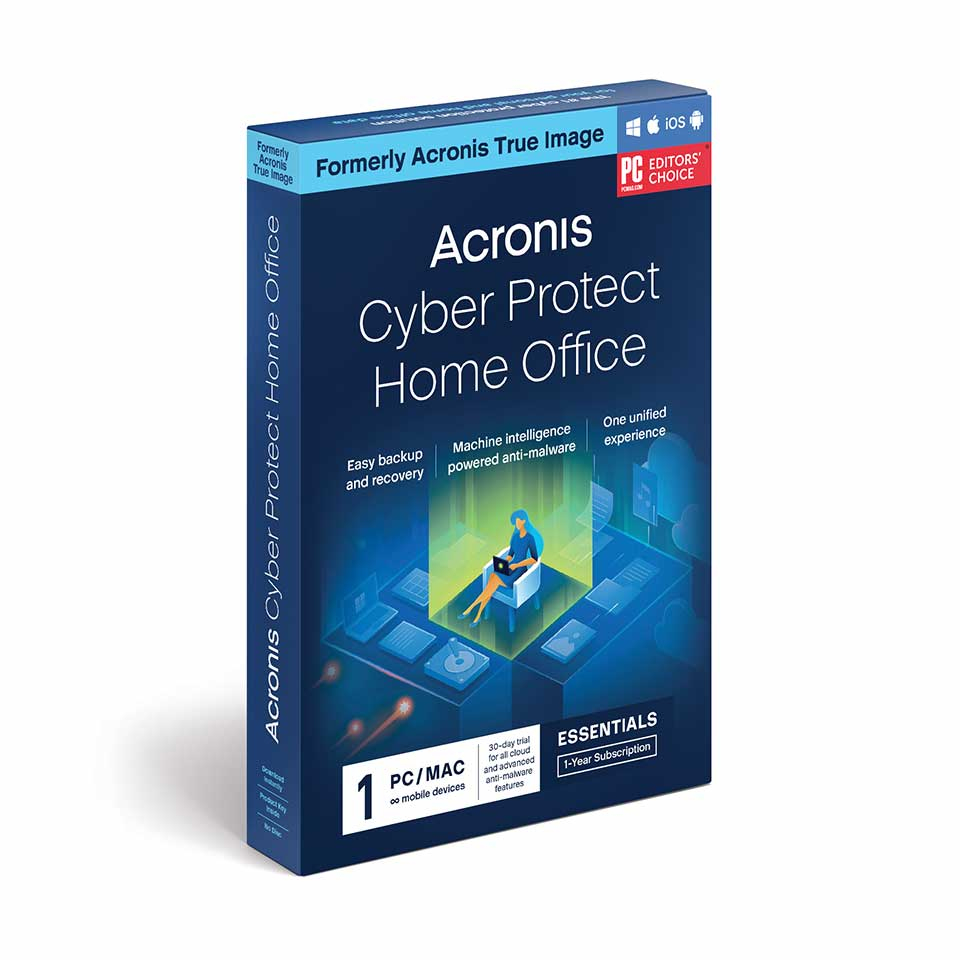
Acronis Cyber Protect 15 is an all-in-one cybersecurity program. Detect and protect your computer against all kinds of threats and prevent cyberattacks with Acronis Active Protection. With the integrated backup and anti-ransomware technologies, you can ensure you’re prepared for anything. This is the Advanced version of the product. This means that, in addition to basic features such as Acronis Active Protection, you also have access to advanced features, including backup and restore and backup malware scans.
| Acronis Cyber Protect Essentials |
Acronis Cyber Protect Advanced |
Acronis Cyber Protect Premium |
|
| Protects | 1/3/5 PCs/Macs and an unlimited number of Android/iOS devices |
1/3/5 PCs/Macs and an unlimited number of Android/iOS devices |
1/3/5 PCs/Macs and an unlimited number of Android/iOS devices |
| Flexible backups: full image, incremental, differential, files and folders |
✓ | ✓ | ✓ |
| Active disk cloning | ✓ | ✓ | ✓ |
| Quick recovery on the same or different hardware |
✓ | ✓ | ✓ |
| Anti-ransomware, vulnerability assessments, protection for video conferencing apps |
✓ | ✓ | ✓ |
| Advanced antimalware for device and backup files |
30-day trial | ✓ | ✓ |
| Cloud storage | ✘ | 500GB | 1TB |
| Cloud storage upgrades | ✘ | ✘ | up to 5TB |
| Microsoft 365 backup, including Outlook.com and OneDrive |
✘ | ✓ | ✓ |
| Remote access to backups | ✘ | ✓ | ✓ |
| User-friendly dashboard | ✓ | ✓ | ✓ |
More Information
| Brand | Acronis |
|---|---|
| Available for: | Employee, Student |
| Cooling-off period | This product is delivered exclusively in digital form. When placing your order, we ask you to give your explicit consent for immediate delivery. Once delivery has begun, your statutory right of withdrawal expires. You will no longer be able to cancel the order after that (Article 6:230p of the Dutch Civil Code). |
Instructions
- Order Acronis on SURFspot. You will now receive an email from noreply@activate-here.com at the email address you provided. Click the link in this email.
- Log in to this environment using the username and password you received via email.
- Click “Claim your code” to activate the code.
- Now click “Install Products” and click the download link.
- Install Acronis
- Activate your license using the code from step 3.
Systemrequirements
Windows
- Windows 11
- Windows 10
- Windows 8.1
- Windows 8
- Windows 7 SP1
- Windows Home Server 2011
- Hard drive: 850 MB of free disk space
macOS
- macOS Monterey 12
- macOS Big Sur 11
- macOS Catalina 10.15
- macOS Mojave 10.14
- macOS High Sierra 10.13
- Hard drive: 500 MB of free disk space
iOS
- iOS 11.0 or later
Android
- Android 6.0 or later
For more information, visit the Acronis website.
Manuals

